Turning on/off the radio
Press
button briefly to turn on the device, press again to turn off.
When key OFF, it needs to wait for
30min before entering sleep.
RADIO MODE
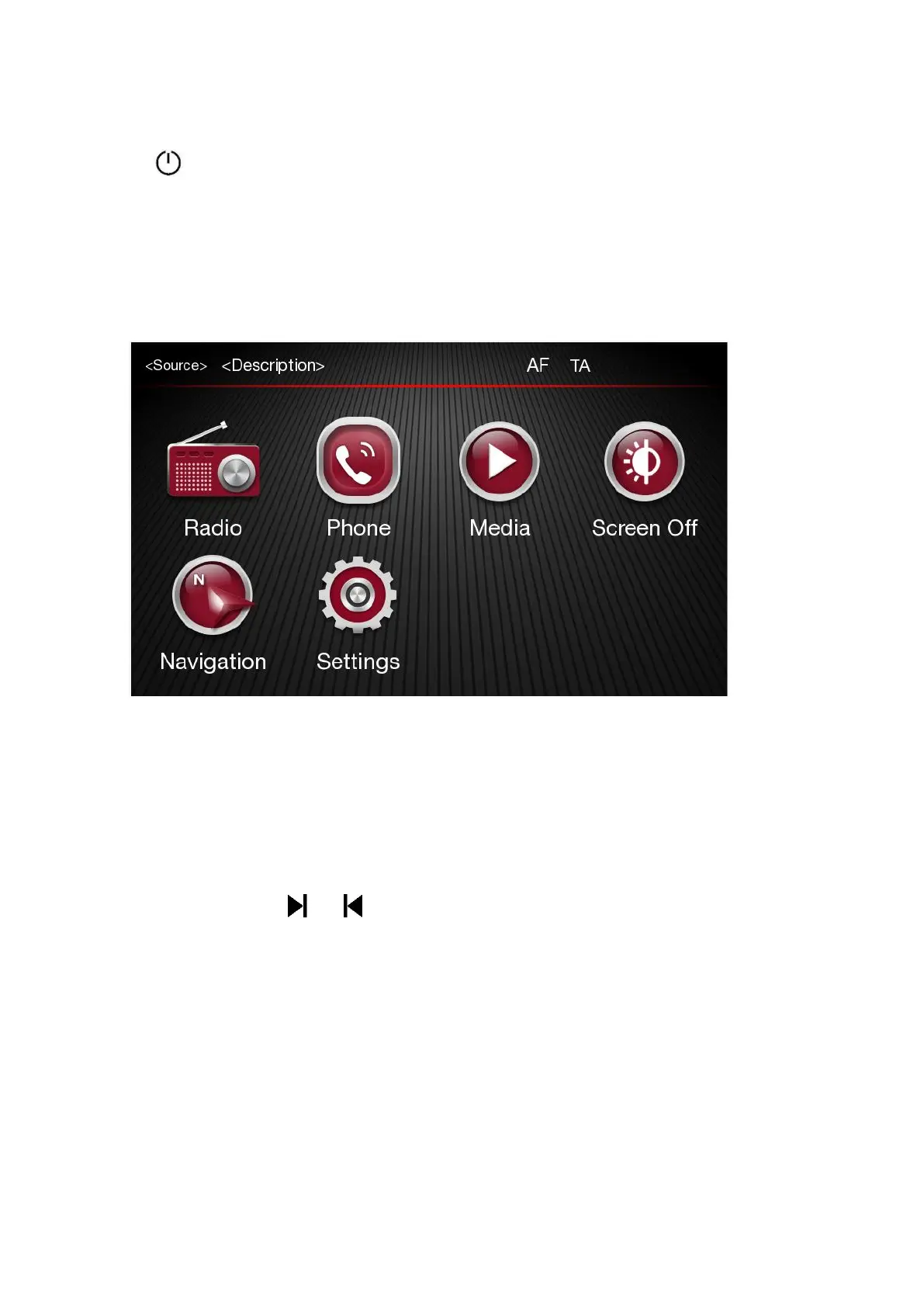
Press the Radio button on the touchscreen, bottom right corner or Radio icon in the Home page, to
enter the Radio Menu.
Radio Mode Selection
In radio main screen Press RADIO button or “FM/AM/DAB” to switch to the bands FM AM and DAB.
Each tuning mode can have a specific preselection set.
Radio Station Selection
In radio main screen press
and
button on screen to search for the
desired radio station.
Displayed Information
After the desired radio station is selected on the display, the following information is shown:
At the top: the list of radio stations stored (preset) is displayed; the station being listened to is
highlighted.
In the middle: the name of the radio station being listened to and the buttons to select the previous or
the next radio station are displayed.













 To Next Page