Dialing the phone number using the mobile phone
It is possible to dial a phone number with the mobile phone and continue using the system (never
allow yourself to be distracted while driving). When a phone number is dialed with the keyboard
of the mobile phone, the audio of the call is played over your car's sound system.
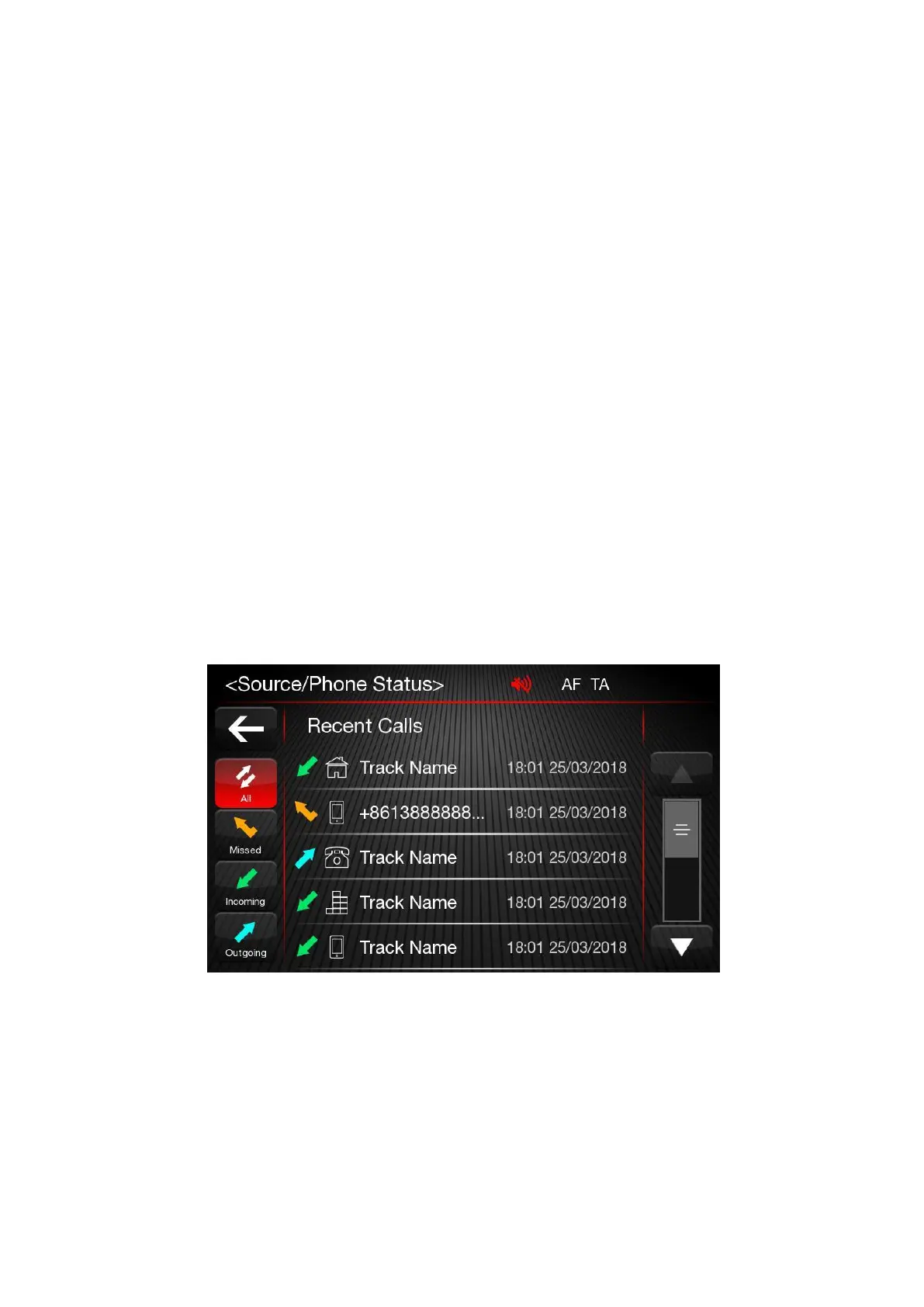
Recent calls
The list of the last calls made for each of the following call types can be displayed:
➢
Incoming calls;
➢
Outgoing calls;
➢
Missed calls;
➢
All calls.
To access these types of calls, press the "Recent Calls" button on the Phone menu main screen.
Managing an Incoming Call - Answering a phone call
When a phone call is received on the mobile phone, the system deactivates the audio system (if active)
and displays a popup screen. Press the "Accept" button or the button on the steering wheel controls to
answer.
Press the "Reject" button or the button on the steering wheel controls to reject.













 To Next Page