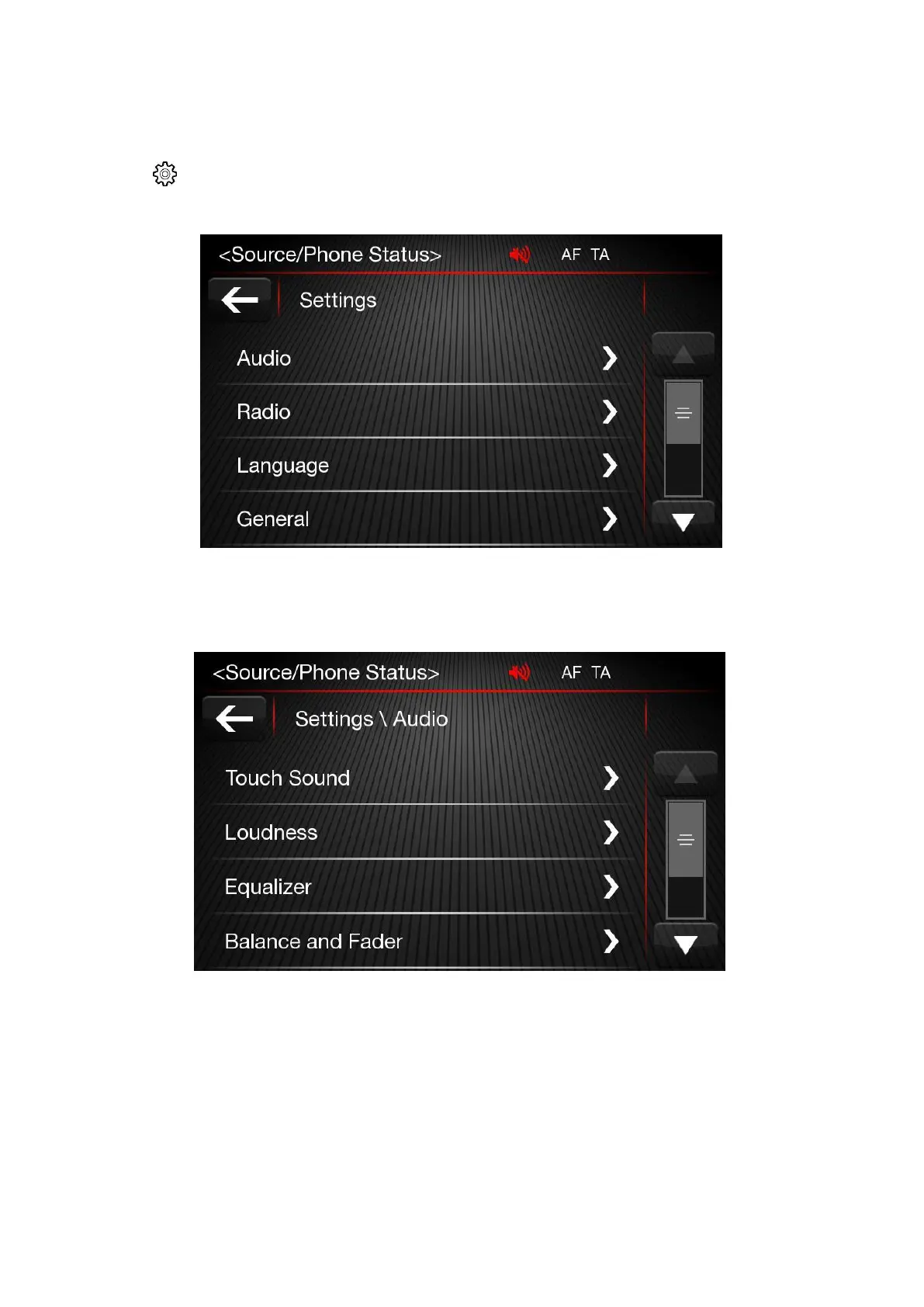
Settings
Press
button to enter the Settings menu. The menu includes the following items:
Audio
Audio related settings are located under this function. (Loudness, Equalizer, Balance & Fader, Speed
Volume Control, Ringtone & Phone volume control)
Touch Sound
Press the relevant button to activate/deactivate the acoustic signal when the buttons on the display are
pressed.
Loudness
To activate/deactivate the "Loudness" function to improve the sound quality at low volumes.













 To Next Page