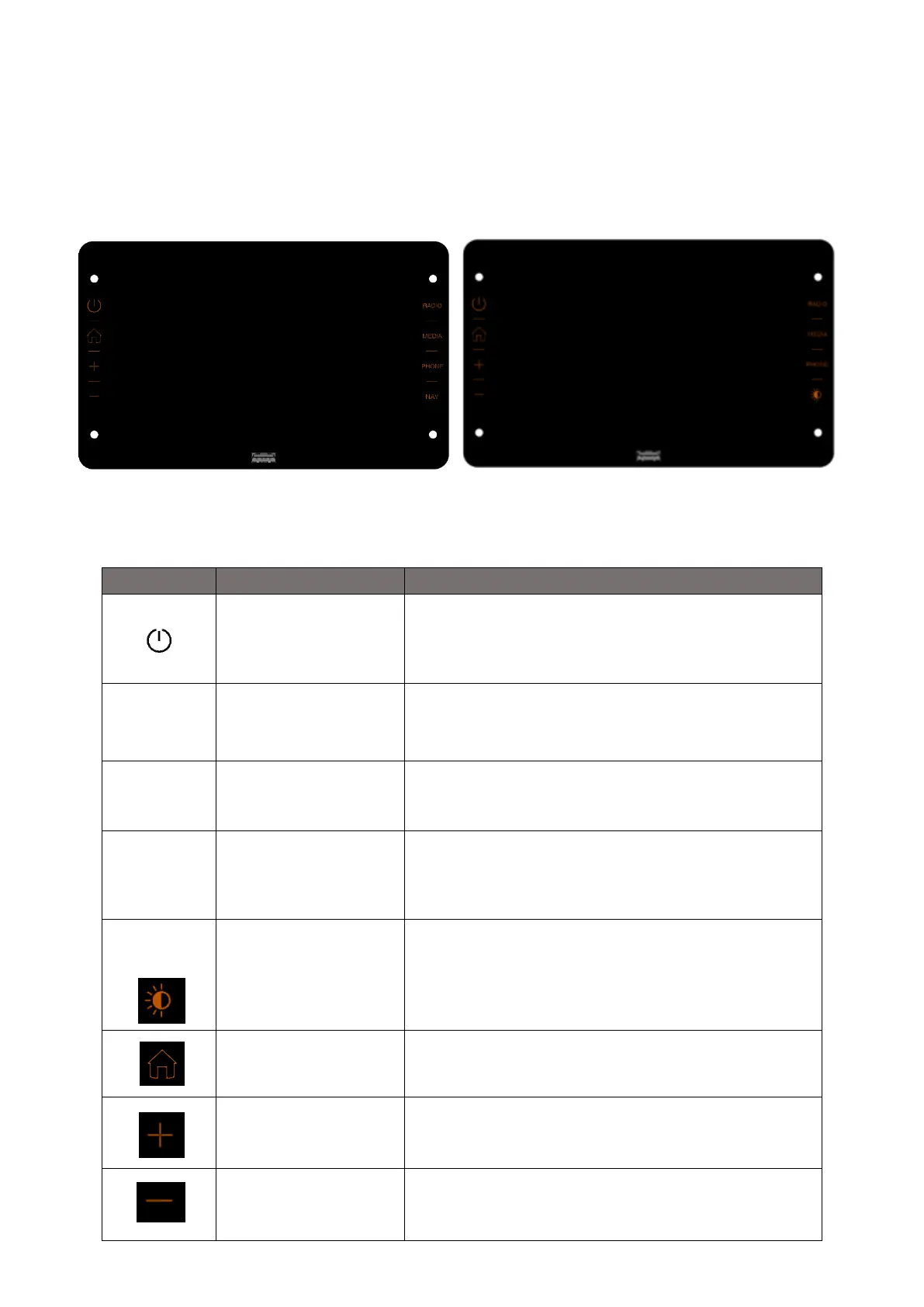
CONTROLS ON FRONT PANEL
NAVIGATION MODEL STANDARD MODEL
. Press the button to turn on the device, turn off the screen.
Press button again and light up the screen
Enter radio source / Select radio band (FM-AM-DAB-FM)
Enter/Select USB/iPod/BT media Sources. If Apple
CarPlay or Android Auto Connection is active, Android
Auto or Apple CarPlay media menu can be accessible.
Enter the mobile phone menu If Apple CarPlay or
Android Auto Connection is active, Android Auto or
Apple CarPlay phone menu can be accessible
Further details are given in next
Navigation
or
Screen Dimming
Initiates the navigation software
or
Press the button to darken the screen.
Press any button to reappear.
Increases volume by one step -> Popup
_Volume is shown
Decreases volume by one step -> Popup
_Volume is shown













 To Next Page