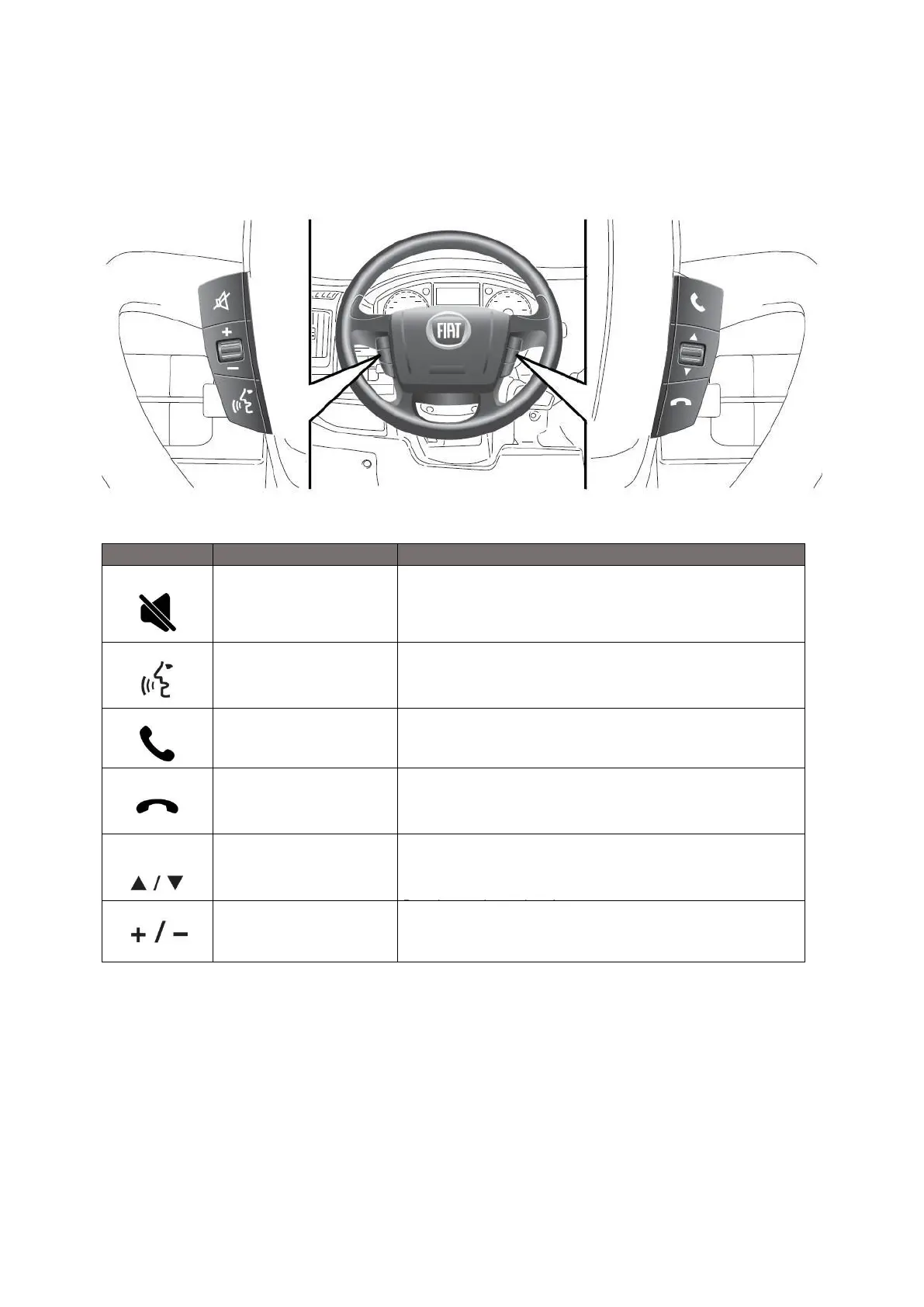
Press the button for the activation/deactivation of the volume. To cut off
the device microphone during BT (Bluetooth) call, press the key to
activate mute function. This allows to hear the interlocutor but not being
heard from it. Press the mute button again to deactivate the function.
Press to activate Android Auto and Apple Car Play voice command.
Press to pick-up incoming calls.
Press to end or reject an incoming call.
Press the button to auto seek for next or previous radio station/ track for
media sources.
Change the selection upwards/downwards in a list.
Press long to change them faster.
Press to increase/decrease the volume. Press long to
increase/decrease volume faster.













 To Next Page