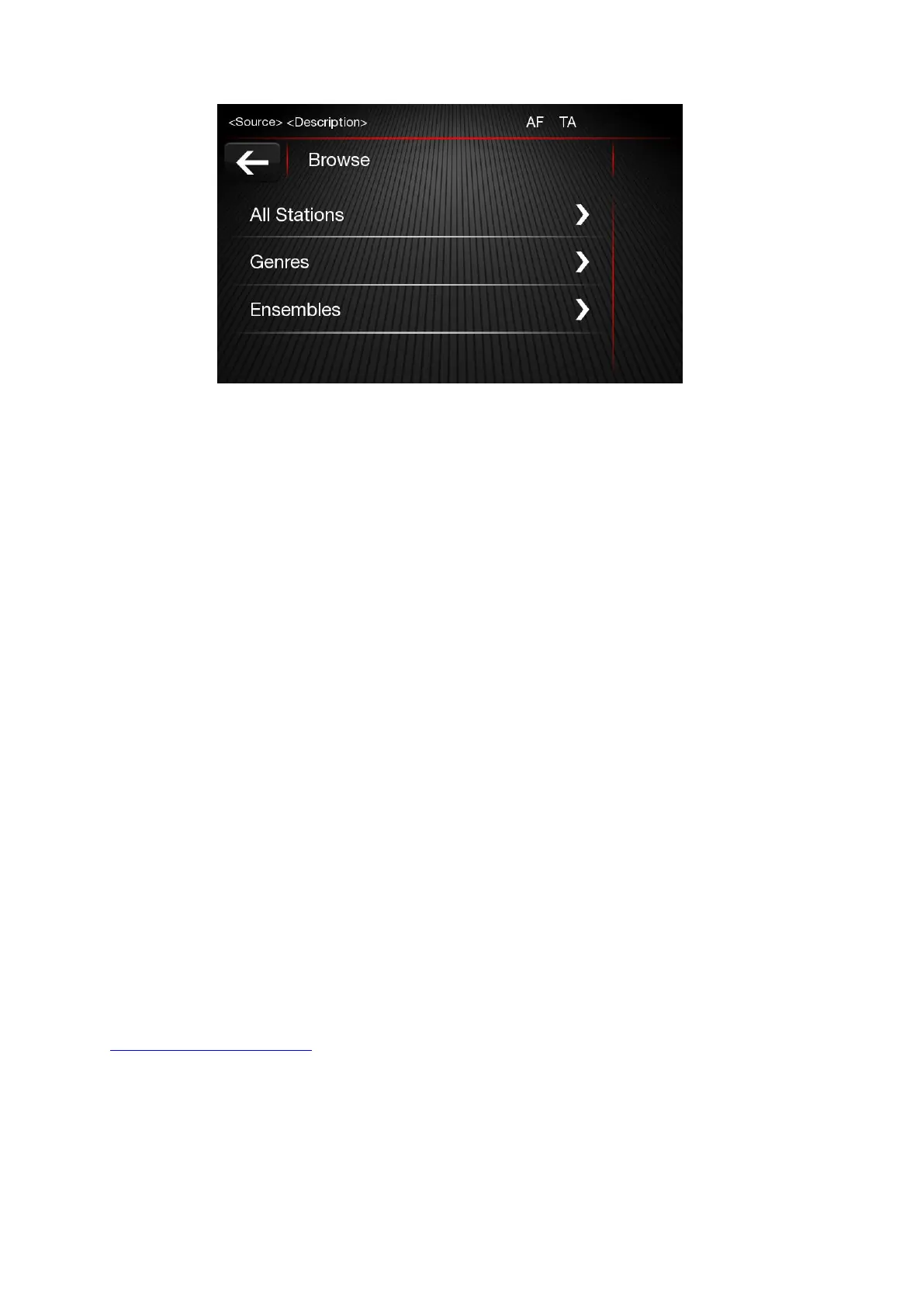
All stations
Press “all stations”, and you can see all the DAB broadcasts.
Genres
Press “Genres”, you can choose various types of local DAB radio, such as weather, finance,
children, religion, etc.
Ensembles
Press “Ensembles”, you can choose various types of local DAB ensembles
MEDIA MODE
Press “MEDIA” button located on the faceplate to activate media sources. After source selection
completed, sound/video/photo files in the source are played automatically.
To play audio / video / photo files via USB, the corresponding device must be connected to the USB
port on the radio via required cable. When a USB / iPod device is plugged in while the system is on,
tracks stored on USB/iPod are available to play. Supported USB flash disks list is given at web
http://www.fiatnavigation.com.













 To Next Page