➢
To be sure if the Bluetooth function is in ON status on the mobile phone
➢
Press the “Phone” button on the touchscreen, then the “Phones” button on the touchscreen.
➢
Press to select the particular Phone or the particular Audio Device in “Paired Devices List”
screen.
➢
If Using the mobile phone as a Media source, press “Media” button on the touchscreen.
➢
If Using the mobile phone only for Phone function, press “Phone” button on the touchscreen.
➢
If Using the mobile phone as both Media source and Phone, press “Connect Both” button on
the touchscreen.
➢
A pop-up menu will appear, and multimedia system connects to the mobile phone
automatically.
Disconnecting A Phone Or Audio Device
➢
Press the “Phone” button on the front panel;
➢
Press the "Phones" button on the display;
➢
Select the specific device from the "Paired Devices List”;
➢
Press “Media” button to disconnect as “Media source” and/or press “Phone” button to
disconnect as “Phone source”.
Deleting A Phone Or Audio Device
To delete a mobile phone or Bluetooth® audio device from a list, proceed as follows:
➢
Press the “Phone” button on the front panel;
➢
Select "Phones” button on the display;
➢
Select the specific device from the "Paired Devices List”;
➢
Press the "Delete" button;
➢
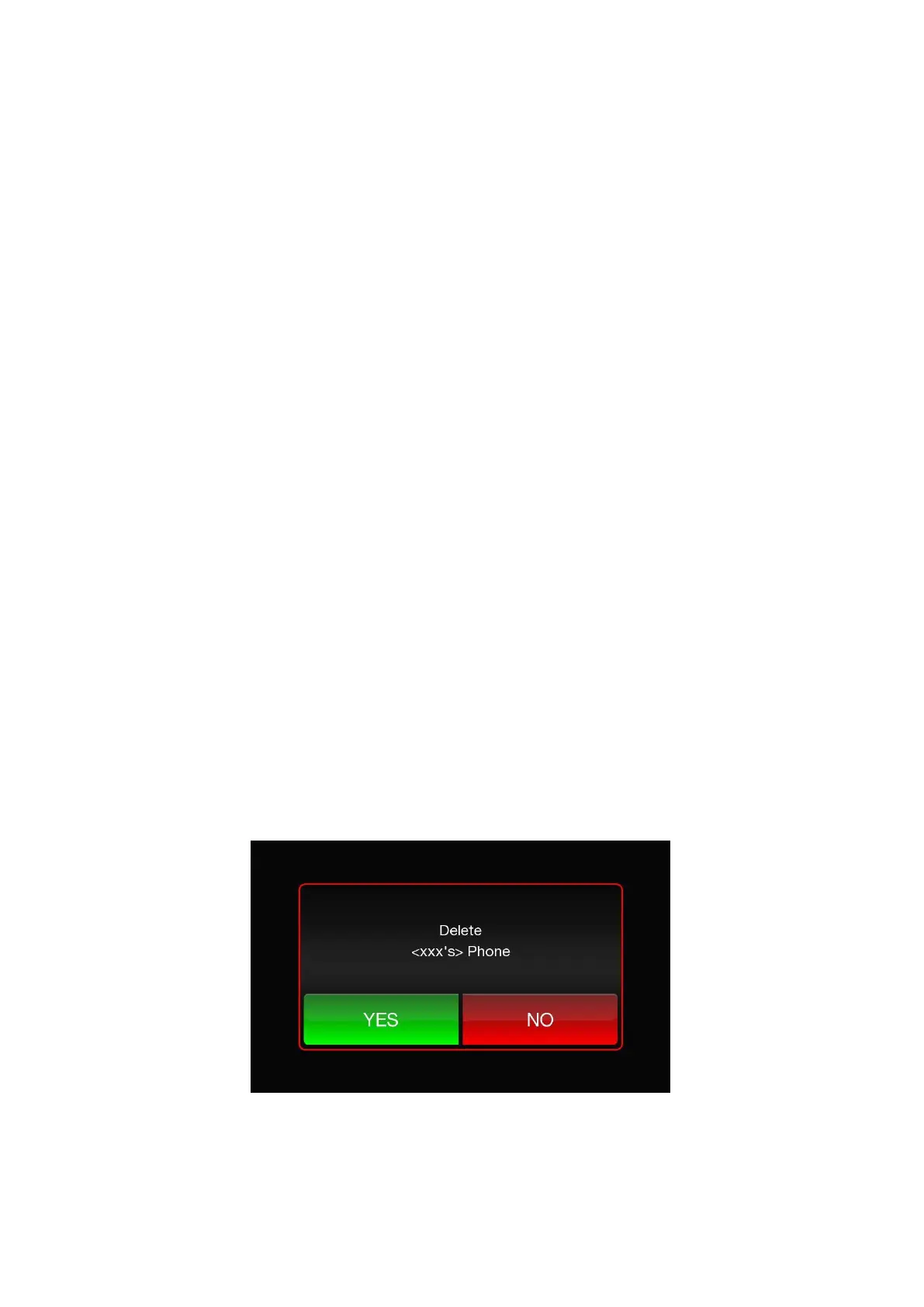
A confirmation screen will appear on the display: press "Yes" to delete the device or "No" to
cancel the operation.













 To Next Page