Other Features 63
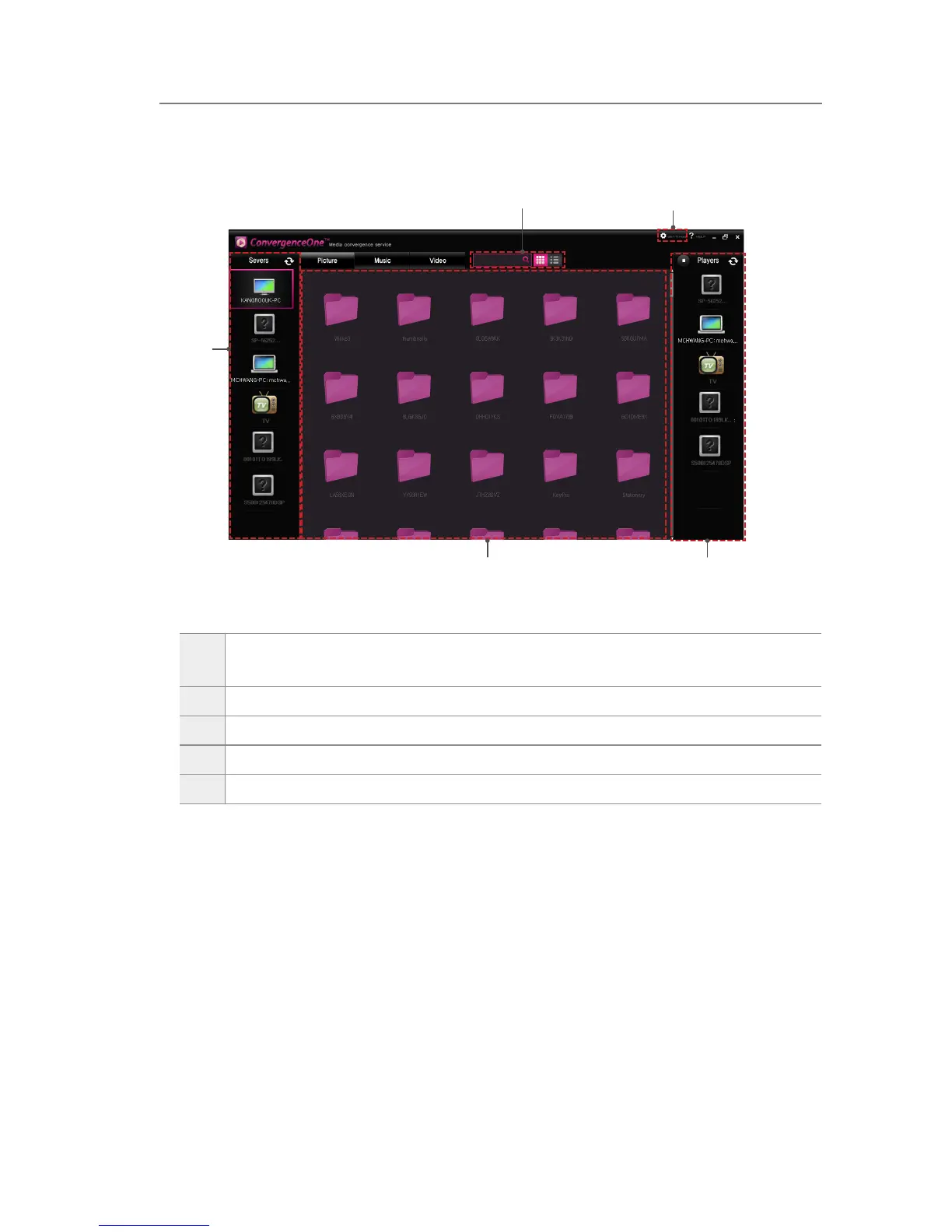
Program screen
1
You can select the device where the multimedia contents (pictures, music, videos)
to share are saved.
2
A list of the pictures, music, and videos on the storage device are displayed.
3
You can select a device to play multimedia contents.
4
You can set the le view mode or change a folder to share.
5
You can search for the saved multimedia contents, and set the le view mode.
ConvergenceOne™
1
2 3
4
5



 To Next Page