64 Other Features
Playing multimedia contents using IDENTITY tab
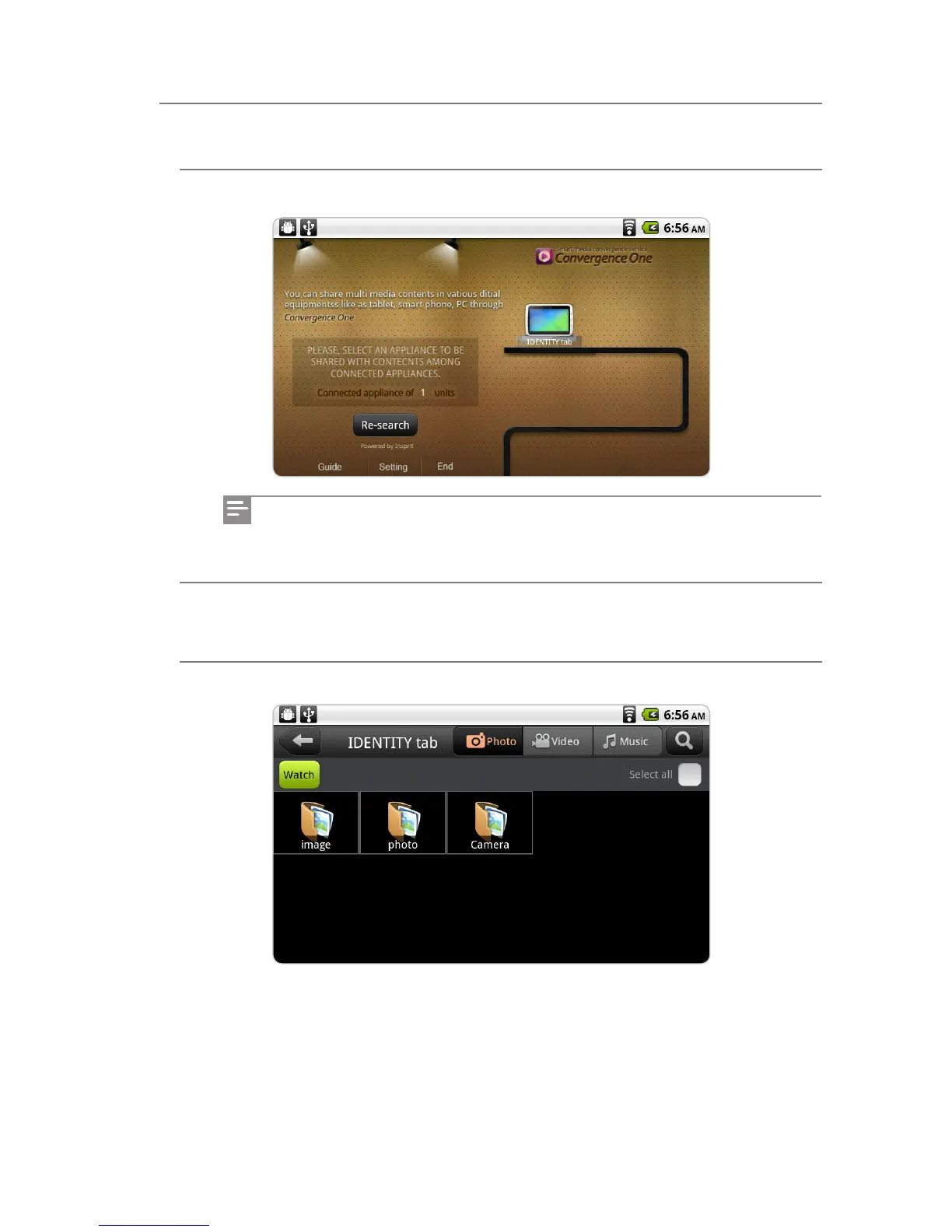
1 Execute ConvergenceOne™.
2 Select a device (IDENTITY tab) that contains multimedia contents (pictures, music,
videos) to play.
3 Select some multimedia content to enjoy, and tap the View (or Listen) button.
A device that can be connected is searched automatically. If there is no device
that you want, tap the Search Again button to try again.
ConvergenceOne™



 To Next Page