Wireless & networks
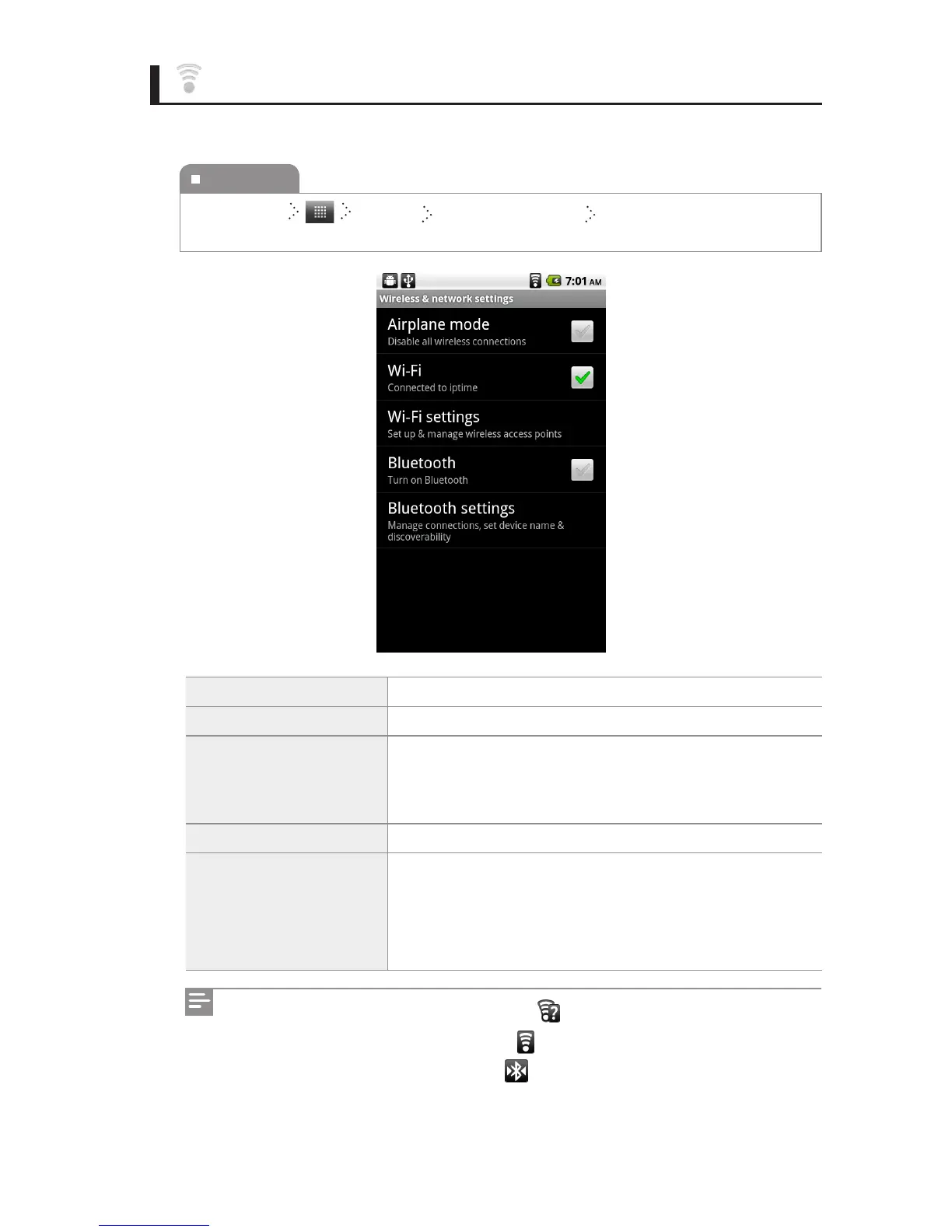
You can change the wireless & network settings.
Airplane mode You can disable all wireless connections.
Wi-Fi You can turn on or o Wi-Fi.
Wi-Fi settings
You can set the network notication function. You can also
select a Wi-Fi network from the Wi-Fi list or add a new one to
the Wi-Fi list.
Bluetooth You can turn on or o Bluetooth.
Bluetooth settings
You can set various functions, such as transferring data, to
use Bluetooth. When Bluetooth is turned on, you can change
the device names, set the search availability, and search for a
device to connect.
To execute
Home Screen Settings Wireless & networks Select the item you want, and
then change the setting.
When an open Wi-Fi network is available, appears at the top of the screen.
When the Wi-Fi network is connected, appears at the top of the screen.
While Bluetooth is being connected, appears at the top of the screen.



 To Next Page