74 Settings
Sound
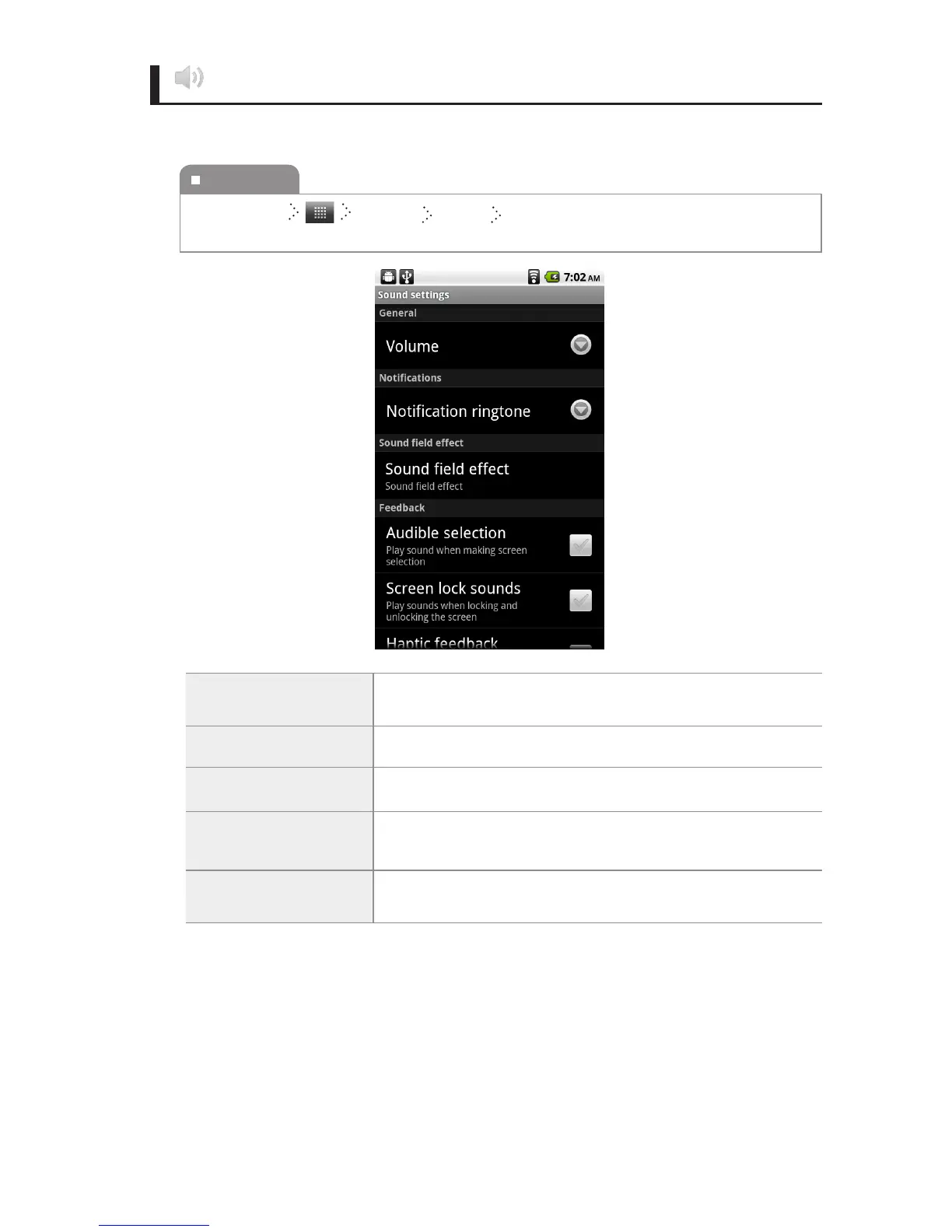
You can change the settings of the sounds.
Volume
You can set the sound volume of Media, Alarm and
Notication.
Notication ringtone You can set notication sounds.
Audible selection
When selecting a screen, you can set the touch pad sounds
to turn on or o.
Screen lock sounds
When locking or unlocking a screen, you can set the touch pad
sounds to turn on or o.
Haptic feedback
You can set the vibrate when pressing soft keys and on certain
UI interactions
To execute
Home Screen Settings Sound Select the item you want, and then change
the setting.



 To Next Page