Settings 75
Display
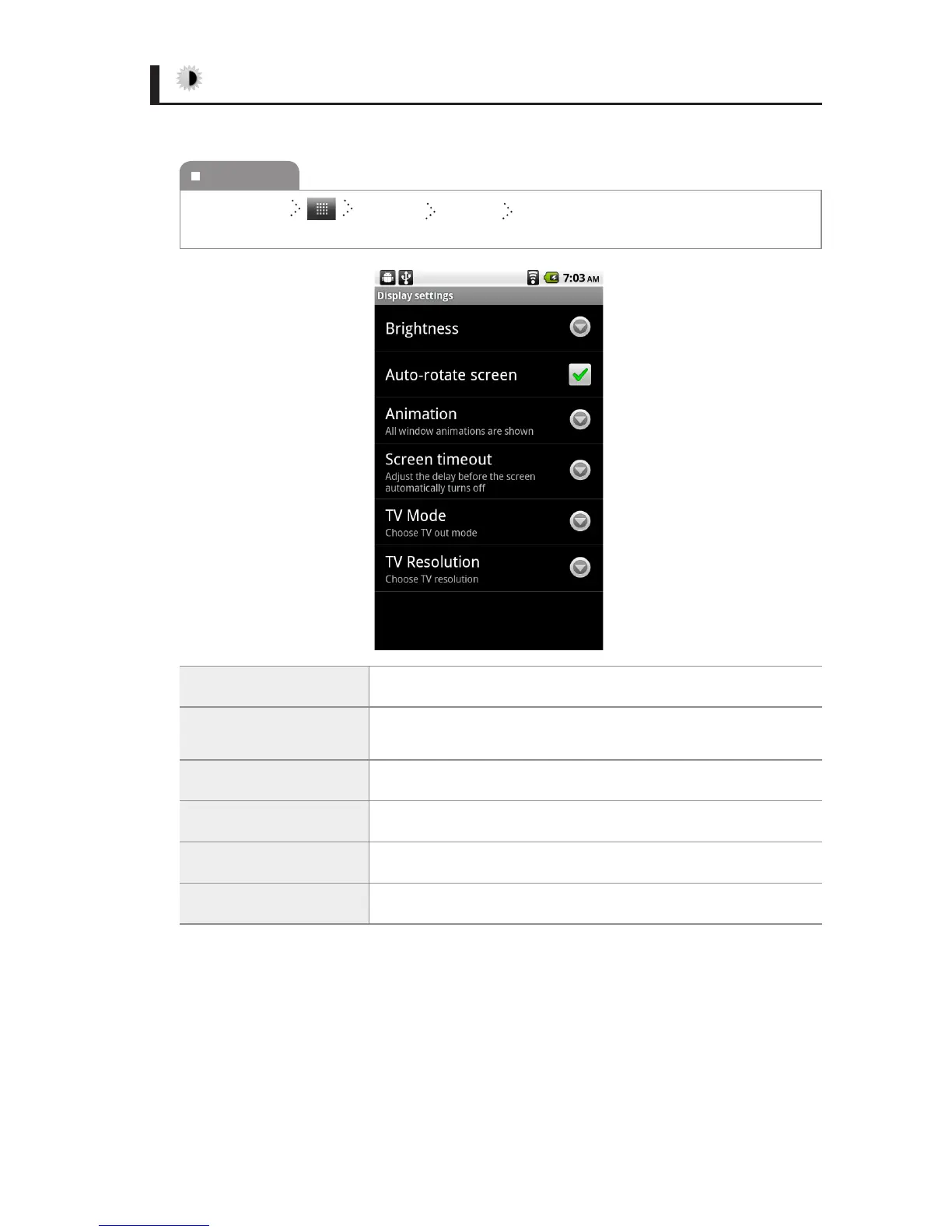
You can change the settings of the display.
Brightness You can set the brightness of the screen.
Auto-rotate screen
You can change the orientation of the screen by rotating your
IDENTITY tab horizontally or vertically.
Animation You can set the display of animations.
Screen timeout
You can adjust the interval of the Auto Screen O time.
TV Mode You can choose TV out mode.
TV Resolution You can choose TV Resolution.
To execute
Home Screen
Settings Display Select the item you want, and then change
the setting.



 To Next Page