76 Settings
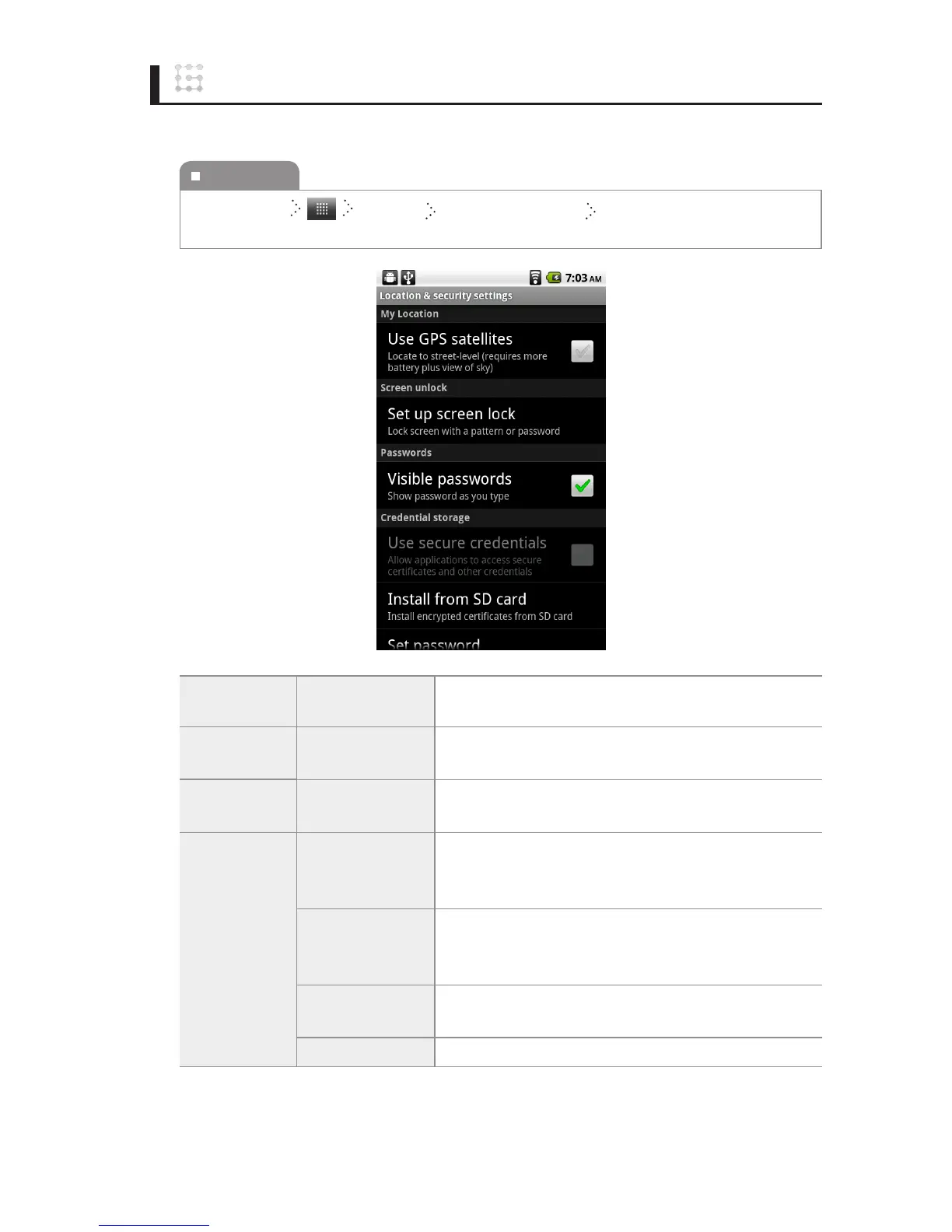
Location & security
You can set the settings of the location, date and time.
My location
Use GPS
satellites
You can set whether to use the satellite global posi-
tioning system.
Screen unlock
Set up screen
lock
You can set whether to lock screen with a pattern or
password.
Passwords
Visible
passwords
You can set whether to show password as you type.
Credential
storage
Use secure
credentials
You can set whether to use a security certication en-
crypted with your personal information to use electronic
information systems, such as Internet banking.
Install from SD
card
You can install an encrypted certication that is
necessary for using electronic information systems on
your external memory card.
Set password
You can set or change your PIN, which is necessary for
using the security certication.
Clear storage
You can delete all saved documents and the PIN.
To execute
Home Screen
Settings Location & security Select the item you want, and
then change the setting.



 To Next Page