124
000877BG-F
7 - Operation
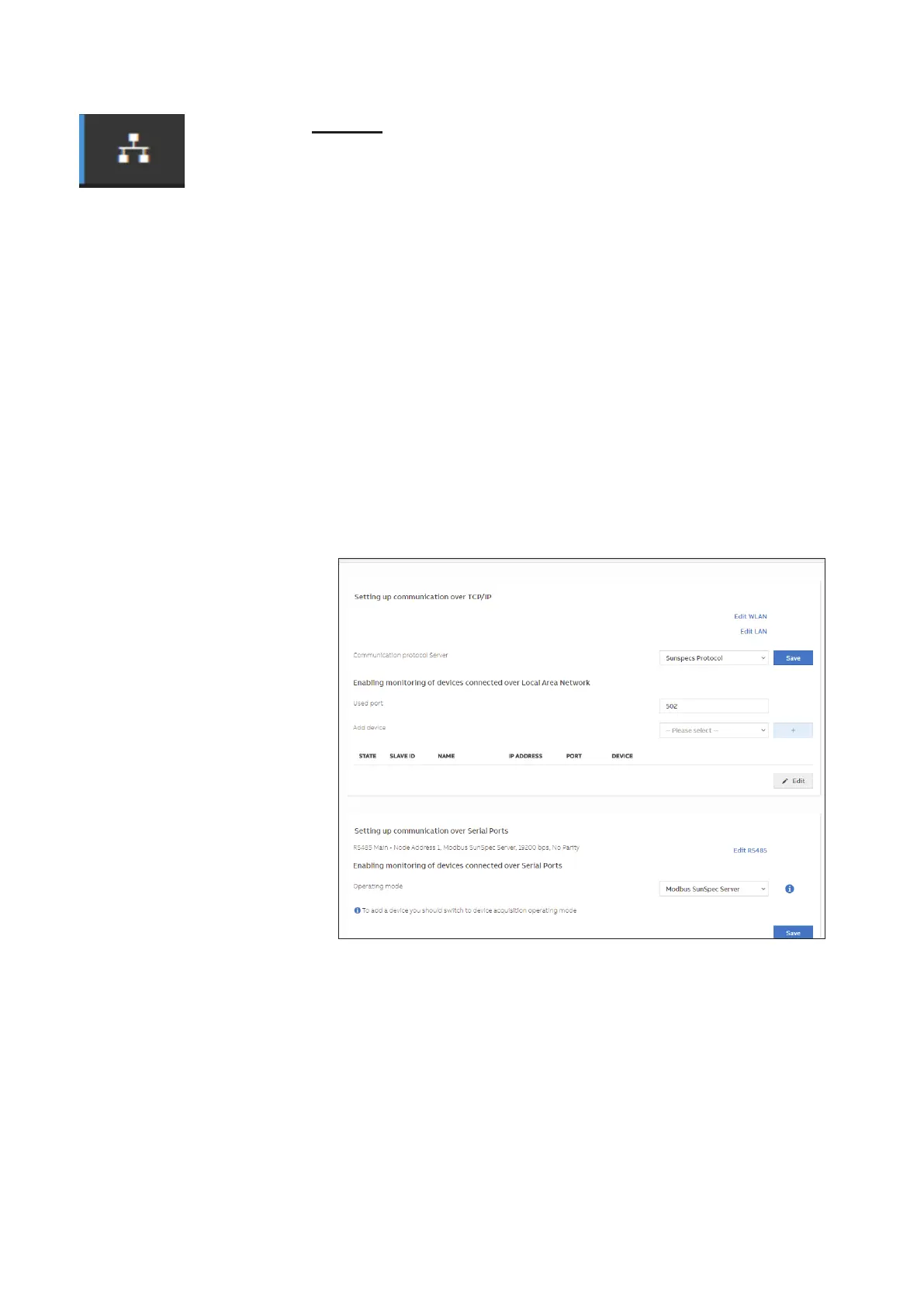
Modbus
In the Modbus submenu it is possible to set the RTU inverter commu-
nication mode (RS485):
- type the “Edit” key and select the type of external device
-According to the device, select the communication protocol of the in
-
verter
Moreover in the TCP / IP (WLAN / LAN) section there are different set
-
tings based on the type of external device connected to the inverter.
• If the inverter acts as CLIENT and the external device as SERVER:
- type the “Edit” key and select the type of external device
- According to the device, select the communication protocol
- type in the [+] key and the added device is displayed
- change the STATE / SLAVE ID / NAME / IP ADDRESS / PORT /
DEVICE settings and save them.
• If the inverter acts as a SERVER, set the port communication protocol
only (Communication protocol server)


 To Next Page