147
000761AG-F
8 - Maintenance
- Error code
- Error message
- Warning
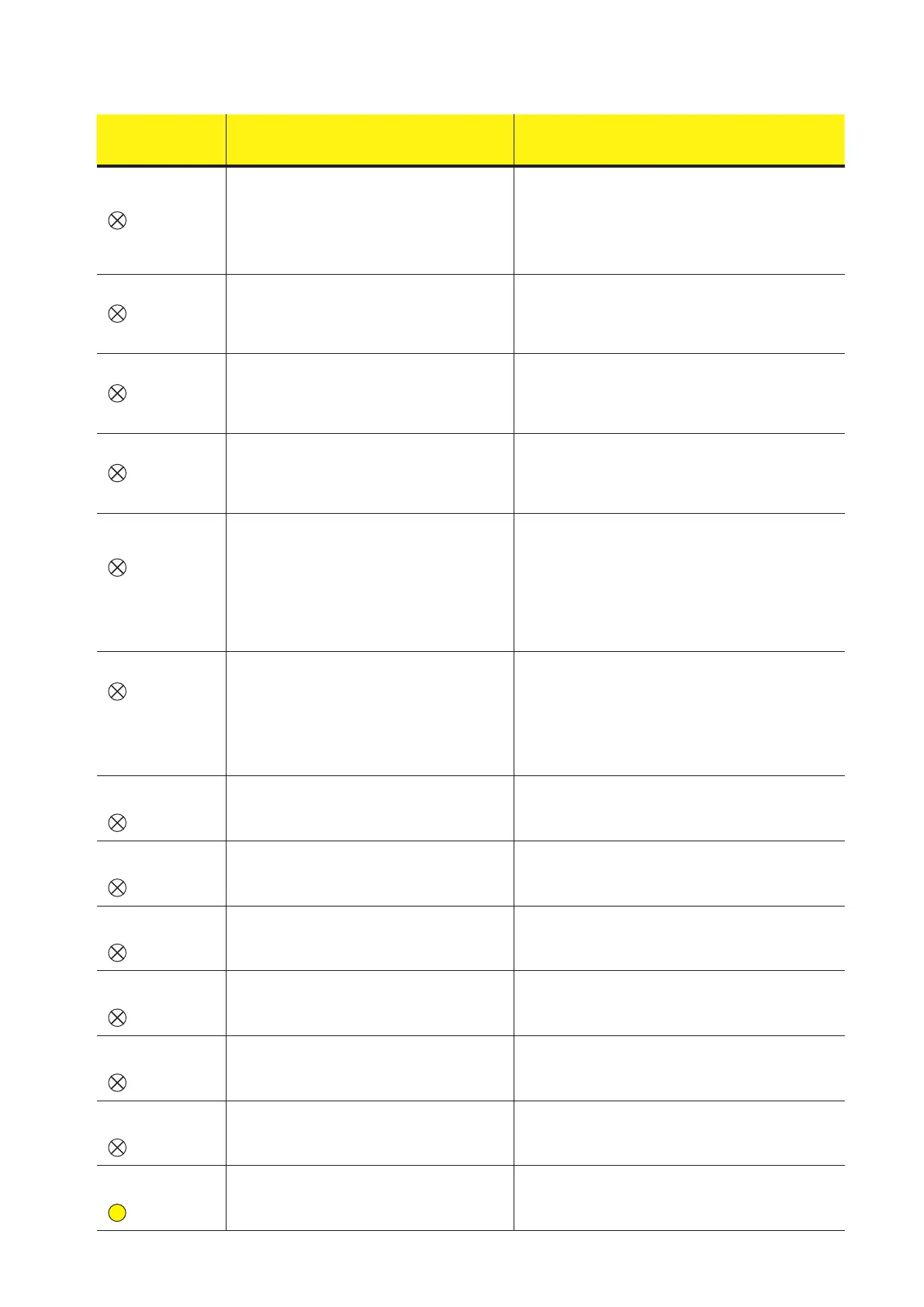
Name of Alarm and Cause Solution
- W024 *
- Energy data reset
-
No LED
*not visualised on
display
Zeroing of the statistical energy data memorised
in the EEPROM:
Reset of the energy data saved in the inverter; this
operation can be handled through the display or
advanced conguration software.
The zeroing of the partial energy values memorised by the
inverter is done directly by the customer/installer and is not an
error. The information is only saved on the historic record of
the events memorised by the inverter
• The warning may also occur when the Memory Card on
which the production statistics are saved is replaced
W025
- P-reductionEnd
-
No LED
*not visualised on
display
Deactivation of reduction in power:
Indicates that the inverter has come out of one of the
power limitation states described in the paragraph
"Power limitation messages".
This type of warning does not need any check
- W026 *
- AFDD user reset
-
No LED
*not visualised on
display
Reset of the Arc Fault error:
Manual reset of the Arc Fault error; this operation can
be made through the display or advanced congura
-
tion software.
• The reset of the Arc Fault error is done directly by the custo
-
mer/installer and is not an error. The information is only saved
on the historic record of the events memorised by the inverter
- W027 *
- Latch-Manual reset
-
No LED
*not visualised on
display
Resetting of the Latch alarm conditions:
Manual reset of the Latch alarm conditions; this ope
-
ration can be made through the display or advanced
conguration software.
• The reset of the Latch alarm conditions is done directly by
the customer/installer and is not an error. The information is
only saved on the historic record of the events memorised by
the inverter
- W030
- Energy Meter ER
-
ROR *
-
No LED
* text “METER COM.
ERR." shown on the
display in the general
information (cyclical
screens)
METER device communication problem:
Error detected on the RS485 serial communication
line between the inverter and the energy meter
(METER).
• Check the serial communication line connections between
the inverter and the METER. Particularly check the signal
correspondence, the correct installation of the conductors and
that there are no breaks in the cables.
• Faulty communication card (Comm. card)
• Error inside the inverter and cannot be checked externally.
- If the problem persists (once the inverter has been switched
off and back on again), contact customer assistance.
- W031
- BMS fault
-
No LED
* text “BMS COM.
ERR." shown on the
display in the general
information (cyclical
screens)
Battery unit communication problem:
Error detected on the internal communication line
between the inverter unit and the battery unit.
• Check the serial communication line connections between
the inverter unit and the battery unit. Particularly check the
connectors have been installed correctly and that there are no
breaks in the cables connecting the two units.
• Error inside the inverter and cannot be checked externally.
- If the problem persists (once the inverter has been switched
off and back on again), contact customer assistance.
- W036
- Batt. 1 - W
-
No LED
Problem inside battery unit 1:
Problem inside battery unit. This condition can be
transitory with automatic reset at the end of the alarm
situation
• Error inside the inverter and cannot be checked externally.
- If the problem persists (once the inverter has been switched
off and back on again), contact customer assistance.
- W037
- Batt. 1 - F1
-
No LED
Error inside battery unit 1:
Problem inside battery unit. This condition can be
transitory with automatic reset at the end of the alarm
situation
• Error inside the inverter and cannot be checked externally.
- If the problem persists (once the inverter has been switched
off and back on again), contact customer assistance.
- W039
- Batt. 2 - W
-
No LED
Problem inside battery unit 2:
Problem inside battery unit. This condition can be
transitory with automatic reset at the end of the alarm
situation
• Error inside the inverter and cannot be checked externally.
- If the problem persists (once the inverter has been switched
off and back on again), contact customer assistance.
- W040
- Batt. 2 - F1
-
No LED
Error inside battery unit 2:
Problem inside battery unit. This condition can be
transitory with automatic reset at the end of the alarm
situation
• Error inside the inverter and cannot be checked externally.
- If the problem persists (once the inverter has been switched
off and back on again), contact customer assistance.
- W042
- Batt. 3 - W
-
No LED
Problem inside battery unit 3:
Problem inside battery unit. This condition can be
transitory with automatic reset at the end of the alarm
situation
• Error inside the inverter and cannot be checked externally.
- If the problem persists (once the inverter has been switched
off and back on again), contact customer assistance.
- W043
- Batt. 3 - F1
-
No LED
Error inside battery unit 3:
Problem inside battery unit. This condition can be
transitory with automatic reset at the end of the alarm
situation
• Error inside the inverter and cannot be checked externally.
- If the problem persists (once the inverter has been switched
off and back on again), contact customer assistance.
- W045
- Sys disconnected
-
Yellow LED
Disconnection of system from grid:
Warning of disconnection of system from electrical
grid (no DC input voltage) because of dead battery
pack or no demand from domestic loads
• Check that, when the warning occurs, the battery pack is
dead and/or there have been no energy demands from dome
-
stic loads for more than 10 minutes.


 To Next Page