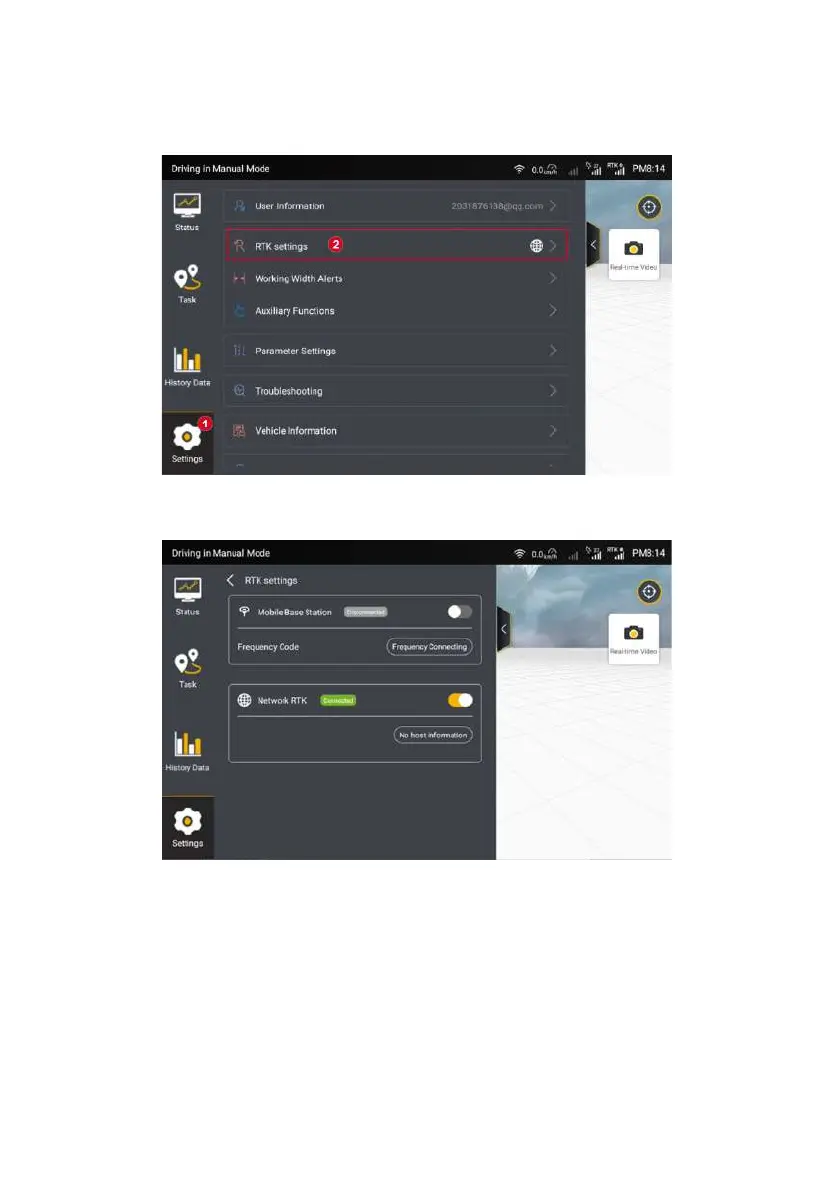
Figure 3.2.10 Settings list
Step 2: Select the RTK connection mode you want to use.
Figure 3.2.11 Connecting to RTK
This kit can be connected to base station RTK or Internet RTK. The kit is
connected to a mobile base station by default. You can switch the connection
mode by using the Enable/Disable switch. If the kit is switched to the RTK mode,
this mode will be displayed by default in your next login.
©FJ Dynamics Technology Co., Ltd. All rights reserved.



 To Next Page