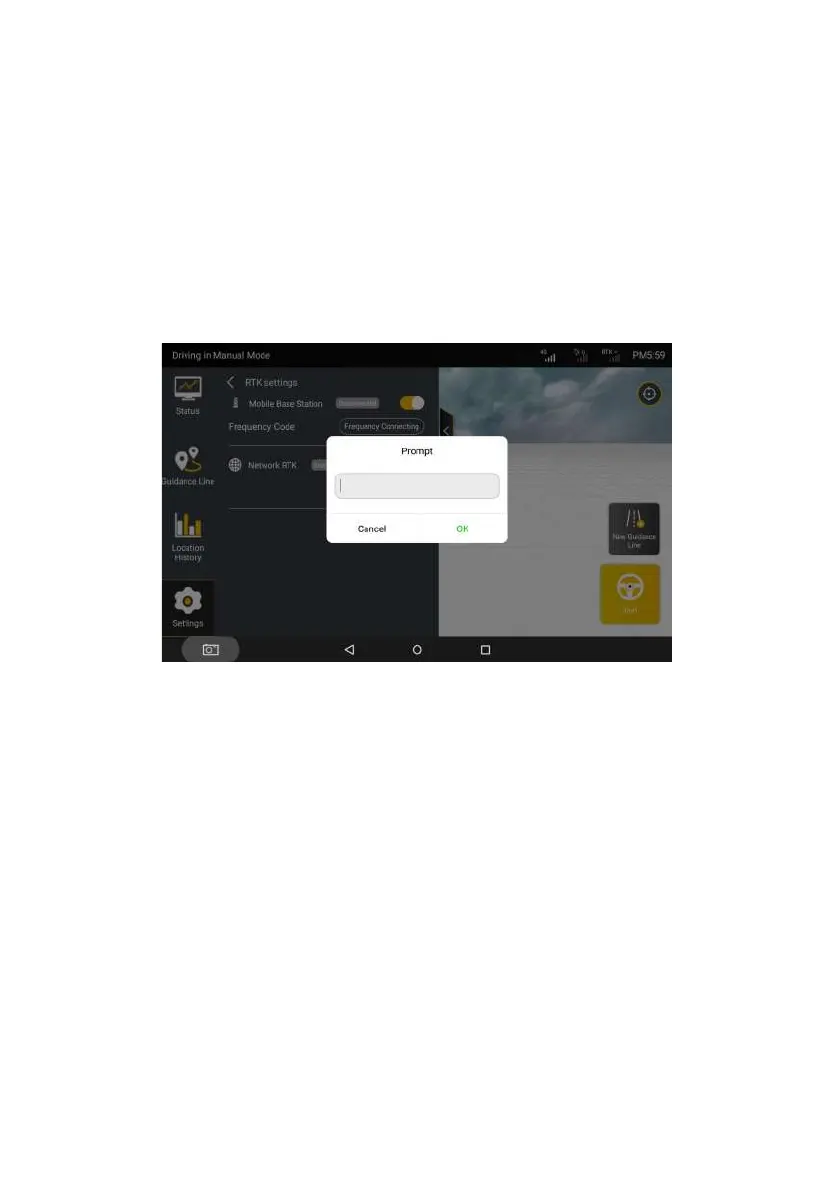
If you want to connect mobile base station RTK, please enable Mobile
Base Station. Then, tap Frequency Connecting. In the displayed dialog box,
enter the required frequency code of the connected base station. (For details
about the rules for entering the base station's frequency code, refer to the Base
Station User Manual.)
Figure 3.2.12 Entering the frequency code
If you want to connect Internet RTK, please enable Internet RTK and tap
Connect. In the displayed dialog box, enter your Ntrip domain name and account
information.
Ntrip domain name information: Specify Host and Port and tap Get Source.
The port with the strongest signal matching the kit will be automatically displayed
by default in Source Node, which indicates that Ntrip domain information is
completed.
Ntrip account information: Enter your account information in Account and
©FJ Dynamics Technology Co., Ltd. All rights reserved.



 To Next Page