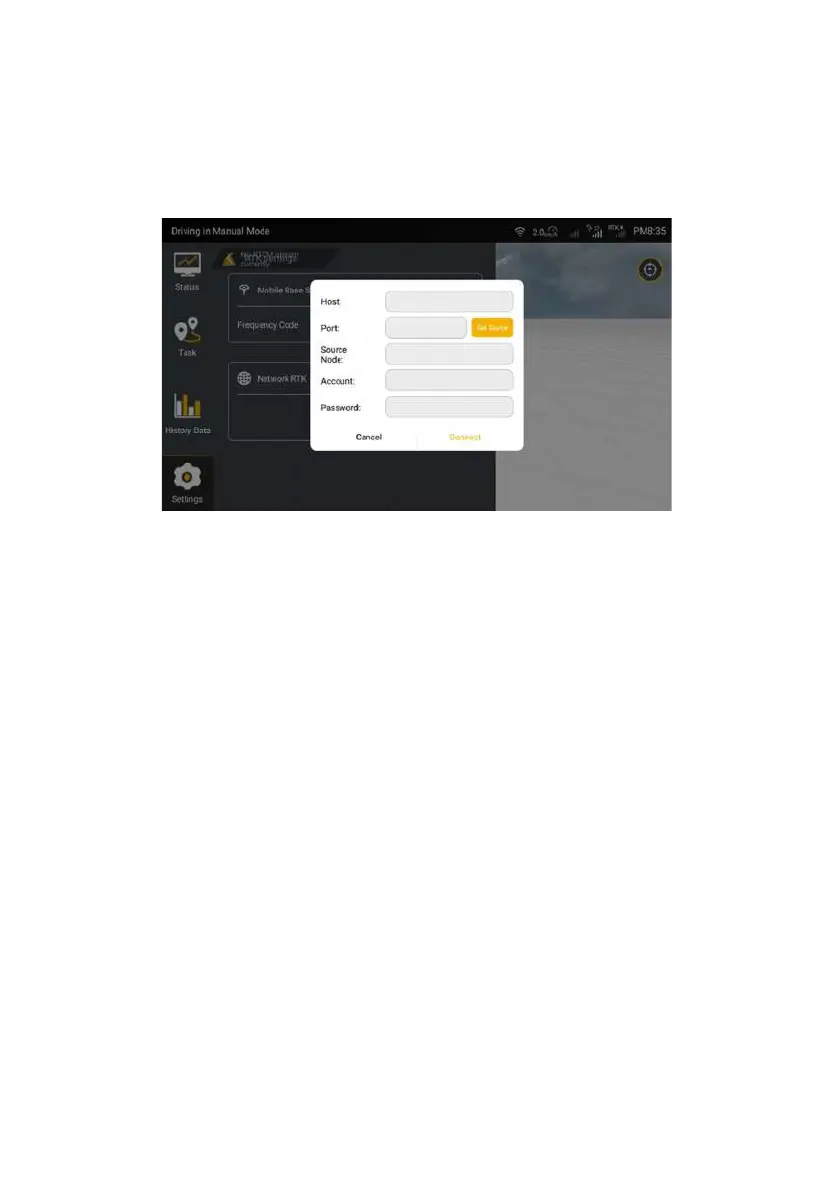
Password after specifying Ntrip domain information. Then, tap Connect to
connect to the corresponding Internet RTK.
Figure 3.2.13 Connect Network RTK
Notes for RTK connection:
1. It will take up to 3 minutes to connect to the frequency of base station, and
please be patient.
2. If the RTK connection always fails, please try to switch to the RTK connection
twice. If the fault persists, please check whether the RTK is displayed abnormally
by choosing Settings -> Troubleshooting, as shown in the following figures.
©FJ Dynamics Technology Co., Ltd. All rights reserved.



 To Next Page