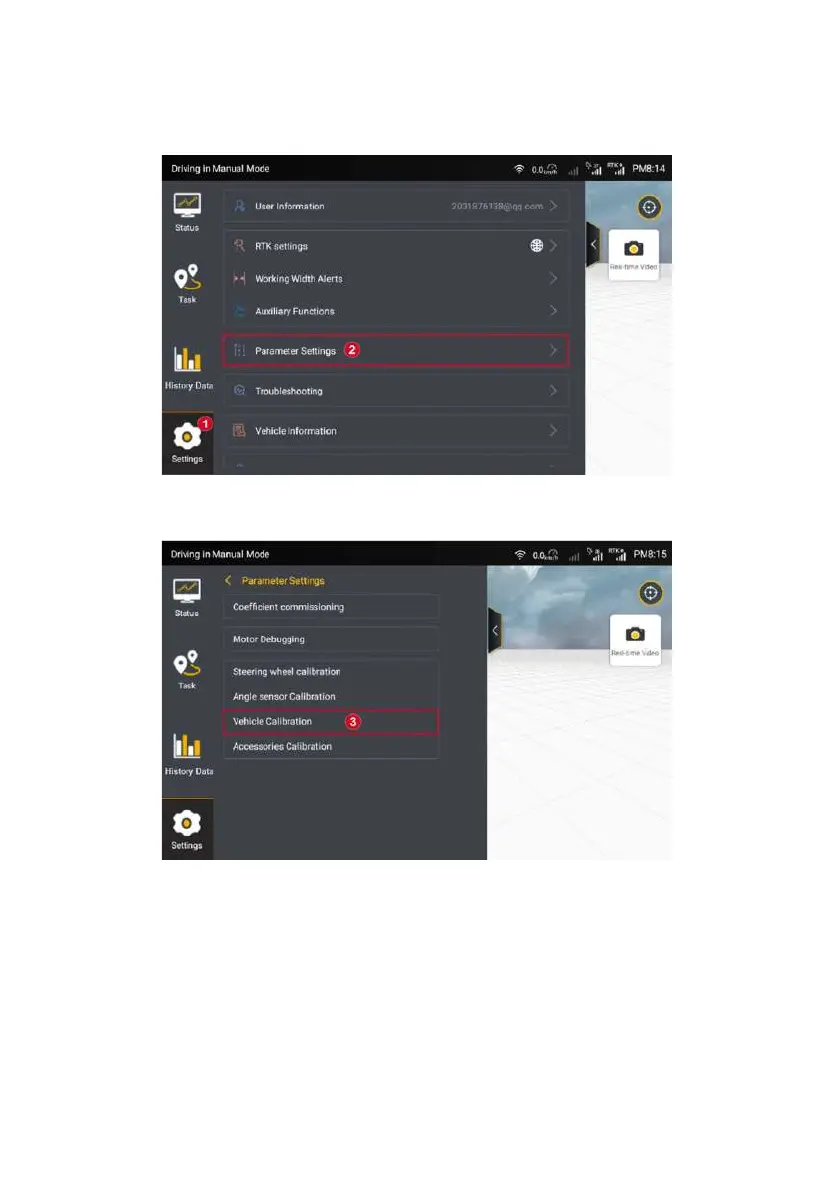
Figure 3.2.28 Setting List
Step 2: Tap into “Vehicle Calibration” in the parameter page.
Figure 3.2.29 Vehicle Calibration
Step 3: Tap “Start Calibration” in the vehicle calibration page, and then
getting into the calibrating process.
©FJ Dynamics Technology Co., Ltd. All rights reserved.



 To Next Page