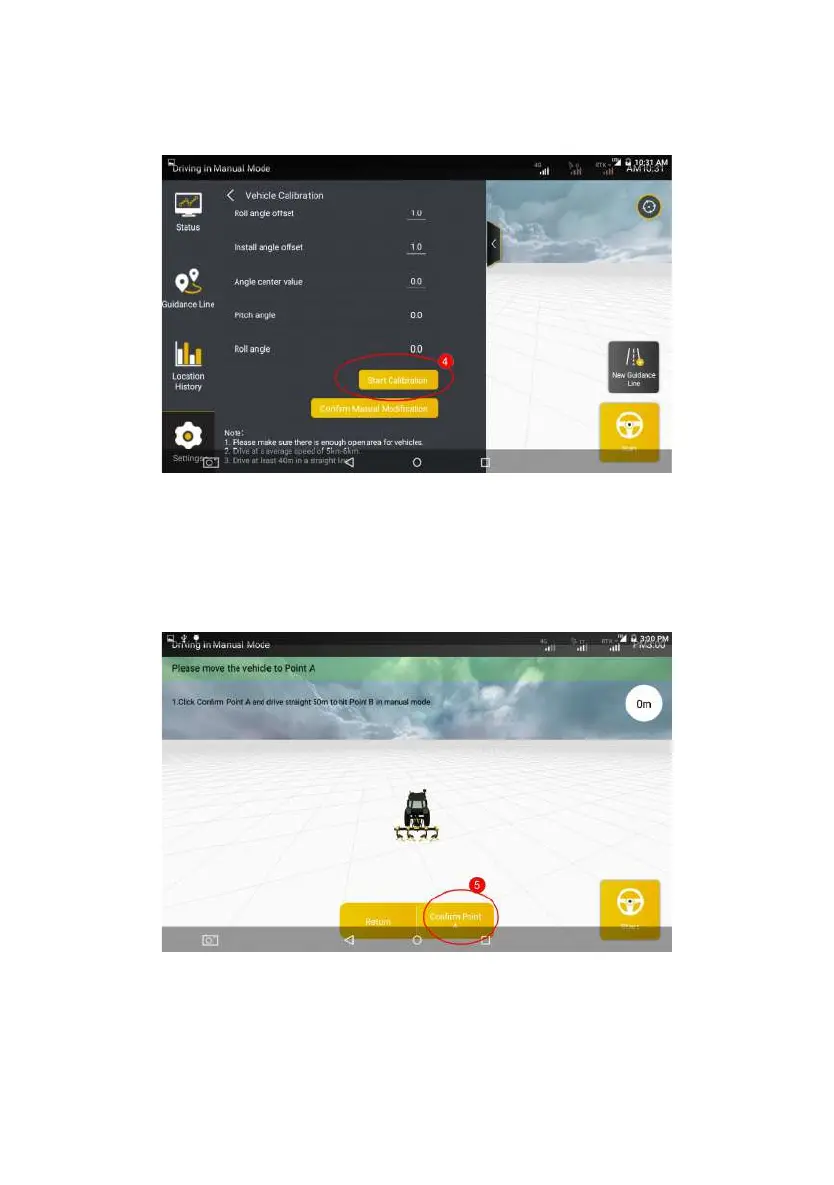
Figure 3.2.30 Start Calibration
Step 4: On the calibration screen, carefully read the current calibration step
displayed. Then, determine Points A and B exactly as prompted on the screen.
Move the agricultural vehicle to the starting point and tap Comfirm Point A on the
screen.
Figure 3.2.31 Comfirm Point A
Step 5: After confirming Point A, manually drive the vehicle straight for 50m
©FJ Dynamics Technology Co., Ltd. All rights reserved.



 To Next Page