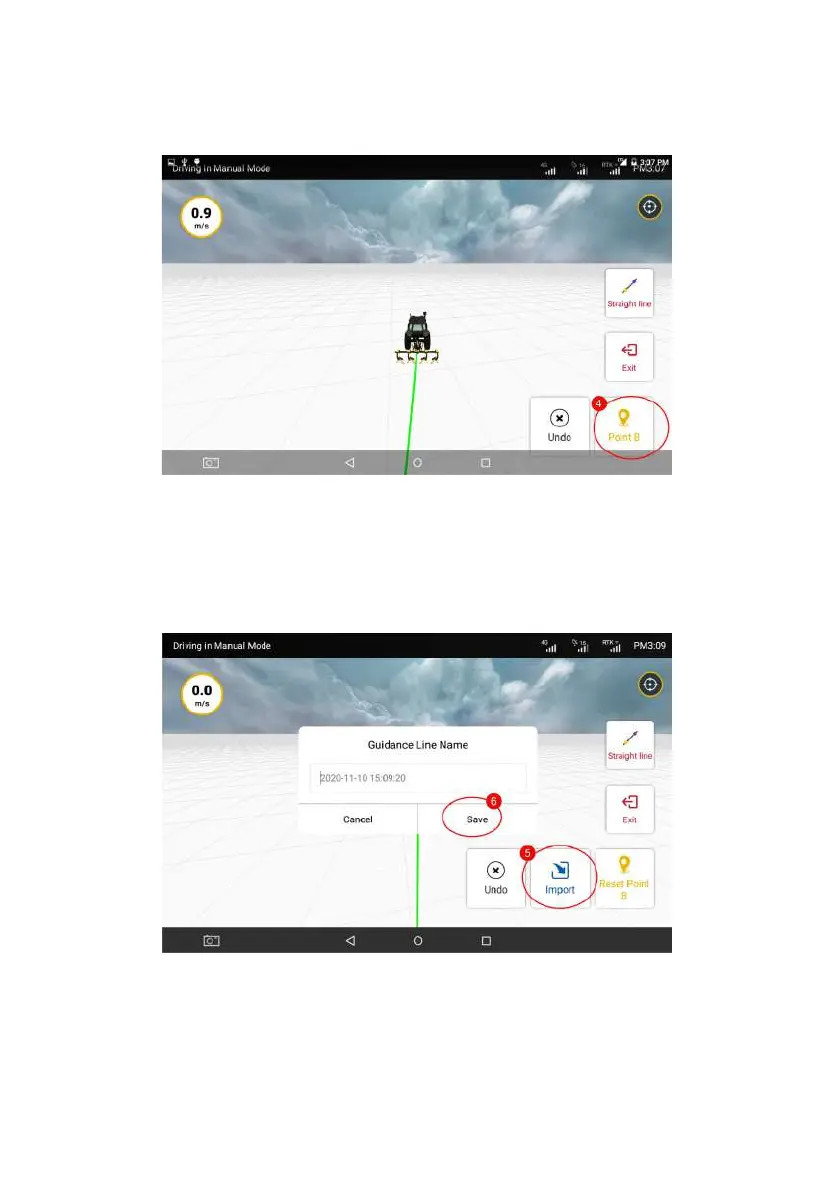
Figure 3.3.7 Confirming Point B
Step 4: After confirming Point B, please tap “Import” and enter the guidance
line name in the prompt. Then go back to the list of guidance lines after naming
the new line. And the newly added guidance line will be displayed on the top of
the list.
Figure 3.3.8 Import Guidance Line
Curve Mode:
©FJ Dynamics Technology Co., Ltd. All rights reserved.



 To Next Page