EasyManua.ls Logo

FLASHFORGE 3D PRINTER finder - Print Menus

FLASHFORGE 3D PRINTER finder
84 pages
Print Icon
To Next Page IconTo Next Page
To Previous Page IconTo Previous Page
Loading...
Finder User Guide | www.flashforge.com 0086-0579-82273989
50
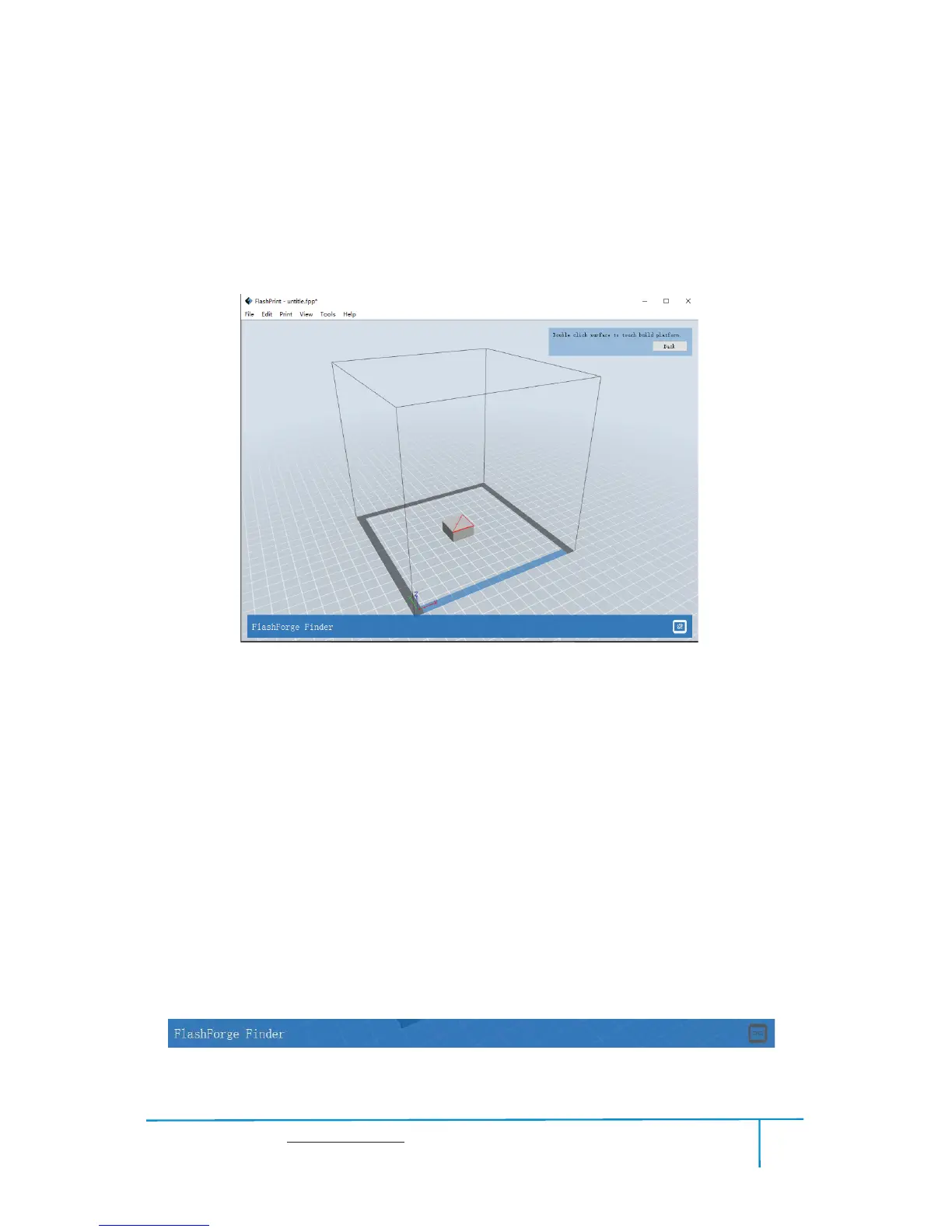
After selecting the model, you can make the model surface to platform via the
following operation.
Click
[Edit]--[Surface to Platform] into surface to platform mode(As
shown in the picture)

˄
SurfacetoPlatform
˅
ľ
Auto Layout All
Click
[Edit]--[Auto Layout All] after loading one or more than one models, all
models will be placed automatically as automatic placement rule.
6.2.13 Print Menus
Connect Machine
ķ
You can connect the Finder with your PC via a USB cable or WIFI.
Note: The machine icon on the bottom right displays the connection status:
Connected
Disconnected
6-17

Related product manuals