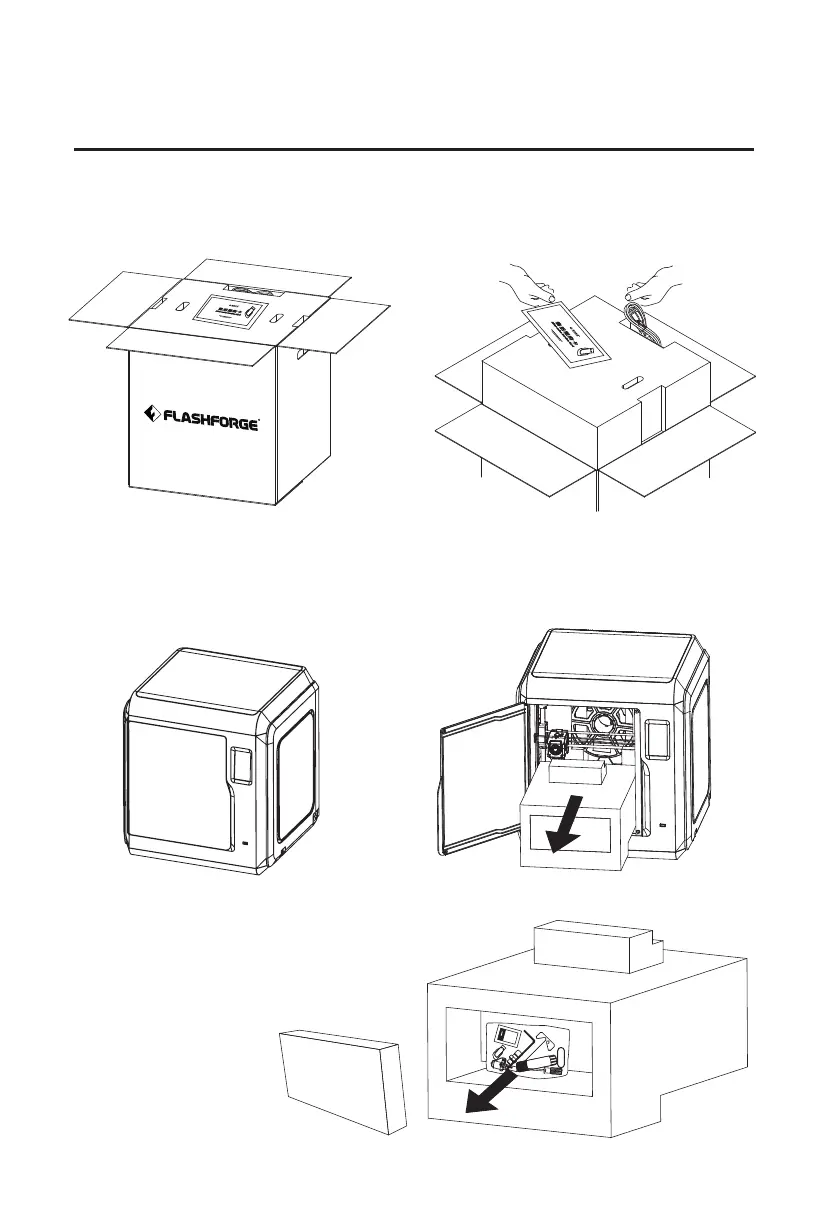
1. Open the carton. 2. Take out the top foam box, power
cord, after-sales service card, user
guide and USB flash drive.
3. Take out the printer from the carton,
and remove the bubble wrap around
the printer. Tear off the fixing tapes
and the front door protective bag.
4. Open the front door of the printer
and take out the EPE foam filled
inside and filament.
08
Chapter 2 Unpacking
5. Take out the printer from the carton,
and remove the bubble wrap around
the printer. Tear off the fixing tapes
and the front door protective bag.















 To Next Page