14
Chapter 5 First Printing
IP Address
IP Port:
192 . . . :168 2 122 8899
Auto-scan
Connection
Connect
Note
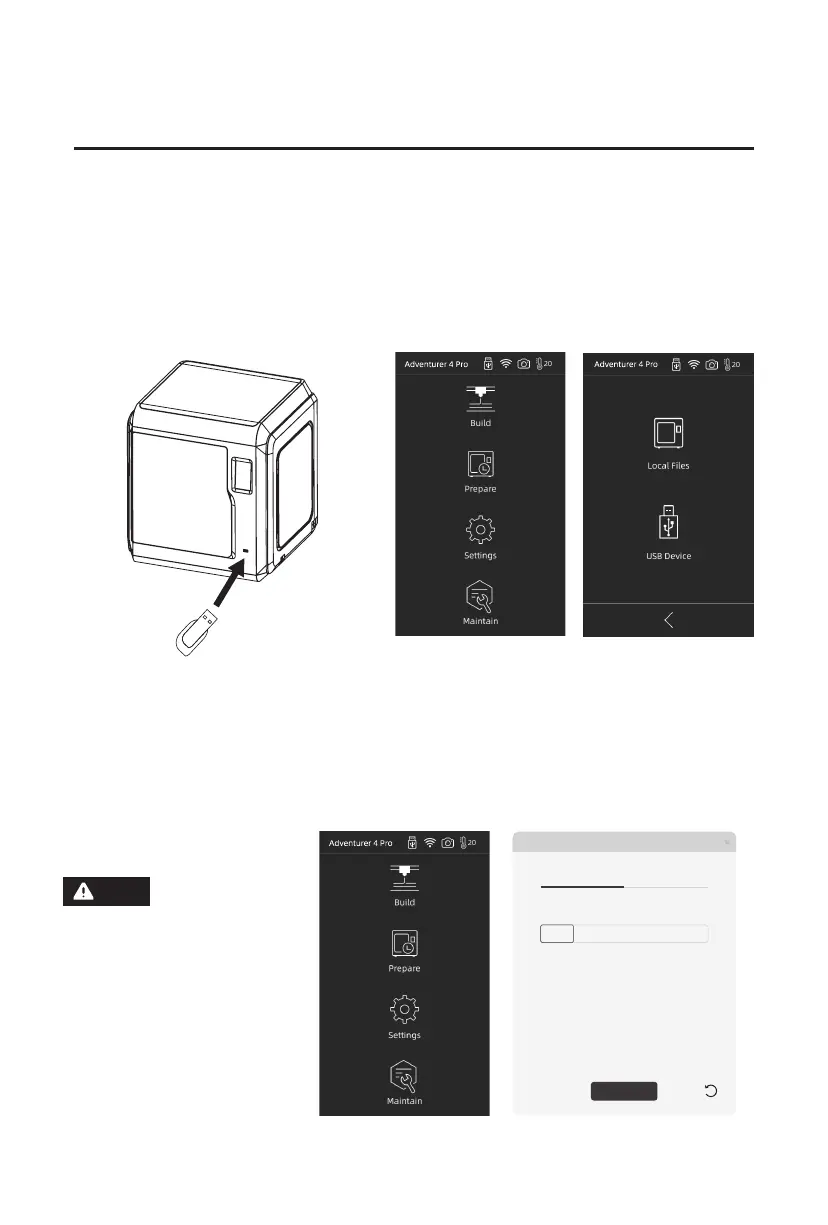
Method 1: Printing from Local Files or from USB
You can print models from a USB flash drive. Save the sliced file into a USB flash drive,
insert it into the printer and select the corresponding file to print. The [Local Files] in the
printer or the USB flash drive delivered randomly contains sliced test files, which can be
directly used to complete the first printing.
1. Model Printing
Method 2: Printing via Wi-Fi Transmission
(1). Tap [Settings]-[Network]-[WIFI], and operate according to the instruction. Open FlashPrint,
click [Print], then click [Machine Type], and select [Adventurer 4 Pro]. You can try to enter
the IP address or scan it automatically. The IP address can be viewed in [Settings] - [About].
When the user wants to
use the browser to view
images, the printer and PC
connected networks must be in
the same network segment,
(that is, the printer and PC
should connect to the same
router).















 To Next Page