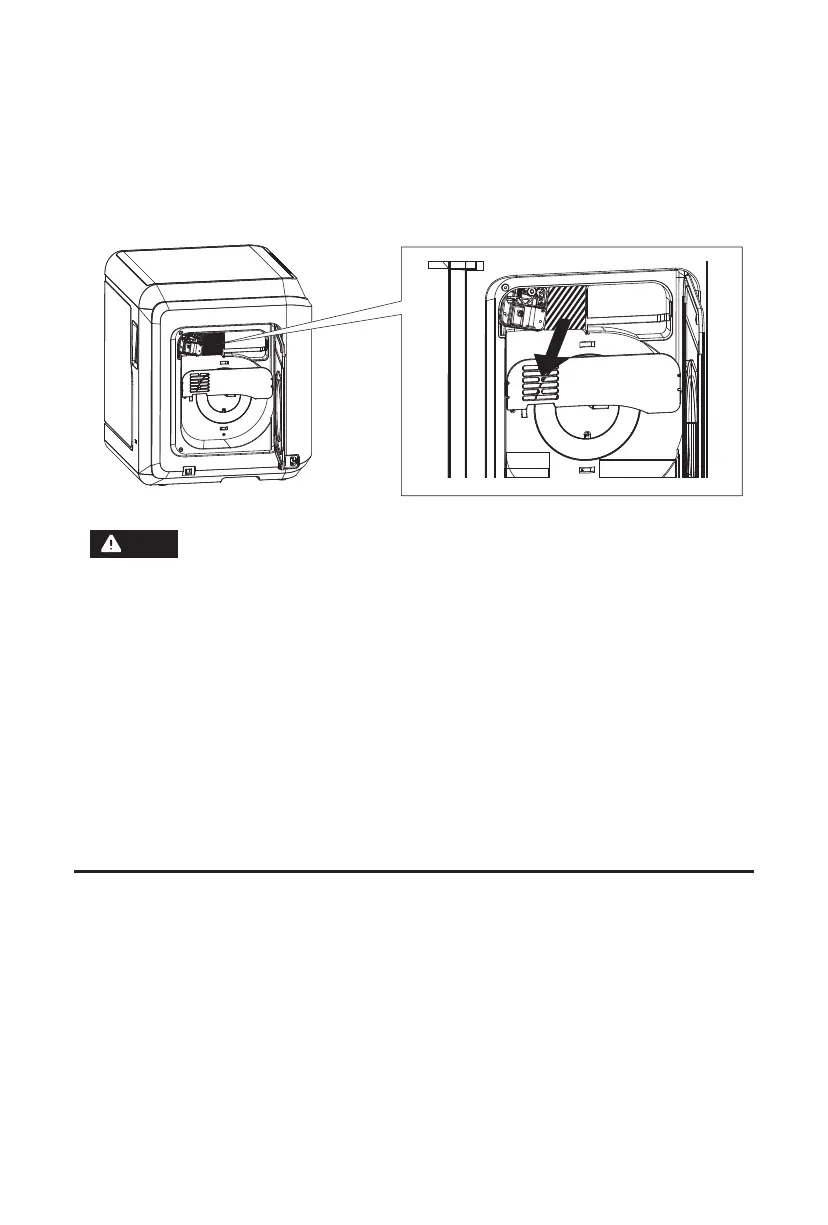
6. Open the side door of the printer and the cover above the filament chamber,
take out the EPE foam filled inside, and unpacking is finished.
09
Find the FlashPrint installation package in the USB flash drive and select the
version corresponding to your system to install.
Or you can download it from https://www.flashforge.com/download-center.
Chapter 3 Software Installation
Note
3D printing process is as follows:
(1). Obtain the 3D file;
(2). Download and install the slicing software;
(3). Prepare the equipment; (leveling, calibration and filament loading);
(4). Start printing (model file slicing, transmission and printing).















 To Next Page