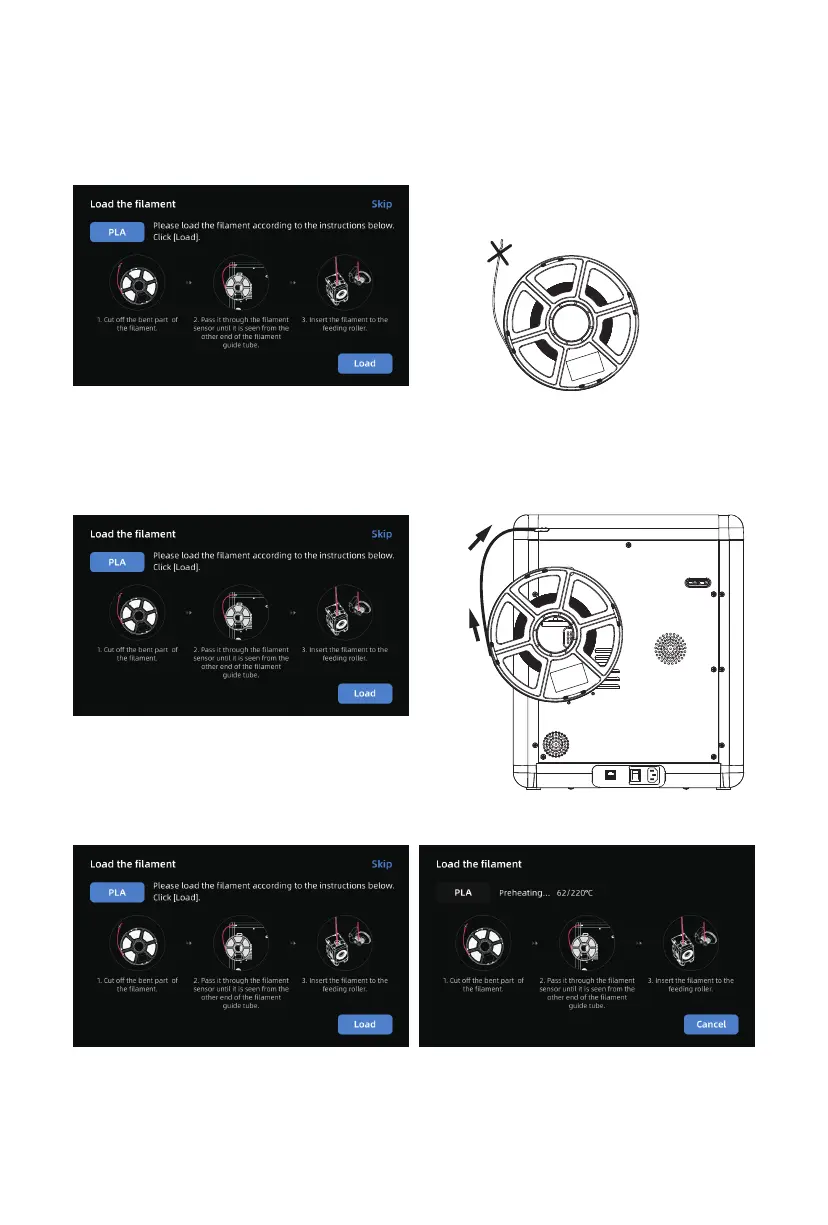
4. Load filament following the on-screen startup boot:
a. Cut off the bent part of the filament end.
b. Hang the filament on the spool holder. Pass it through the filament sensor until it’s seen from
the other end of the filament guide tube. Push it forward to the feed roller, until it can not go
further. (*Please use PLA filament for the first print on initial setup).
C1. Click [Load] and select [PLA] for the first print. C2. Wait for the extruder to heat up.
12















 To Next Page