10
First Print
Before the first printing, please complete the levelling, loading and calibration correctly
under the guidance of the quick start guide.
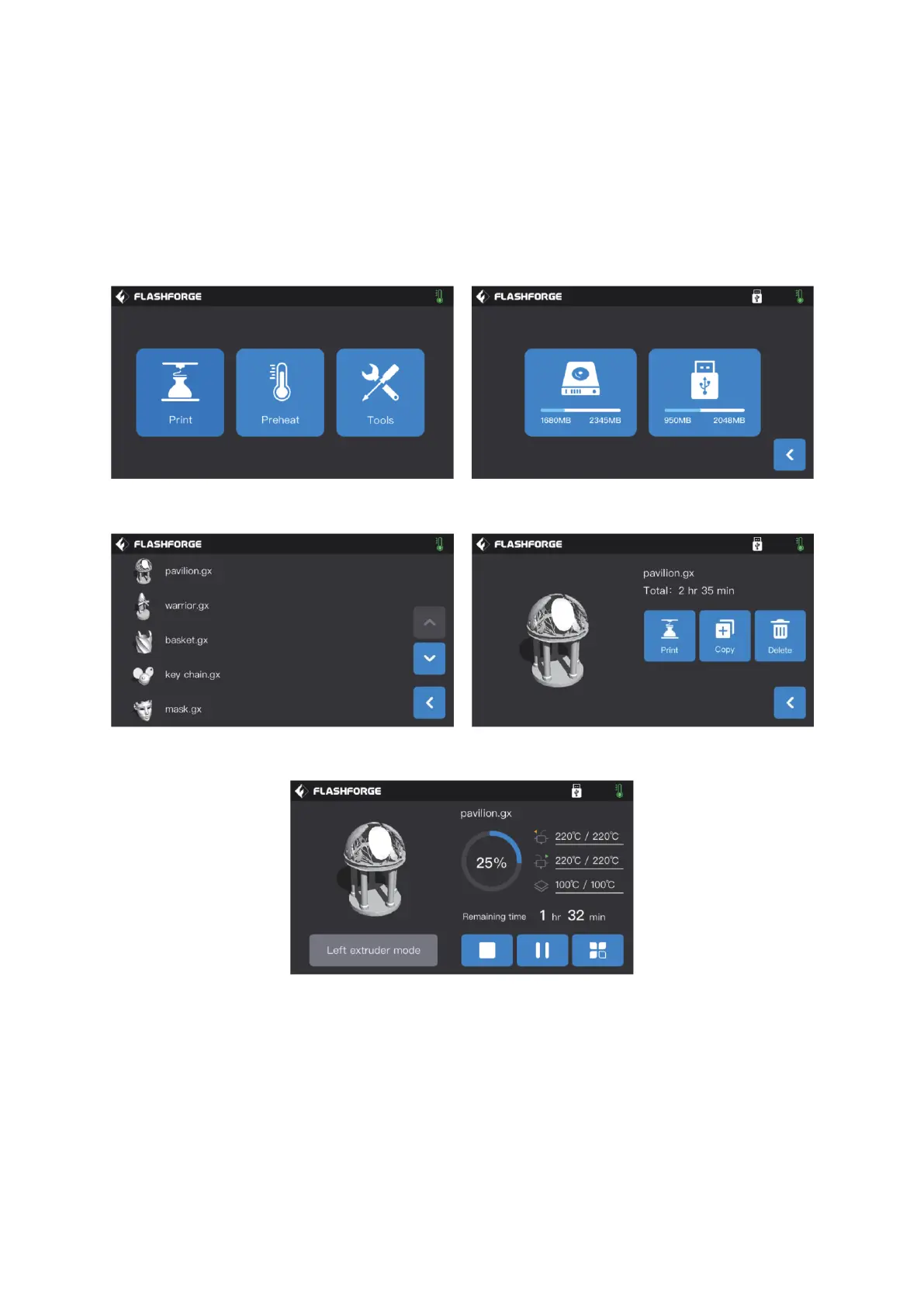
First, tap [Print] and then tap [Local memory] to choose print files.
Next, choose the preset print file [pavilion.gx] and tap [Print].
The printer starts to heat up and will start printing after heating is completed.















 To Next Page