EasyManua.ls Logo

Flashforge Creator 3 - 3.2 Filament Installation

Flashforge Creator 3
100 pages
Print Icon
To Next Page IconTo Next Page
To Previous Page IconTo Previous Page
Loading...



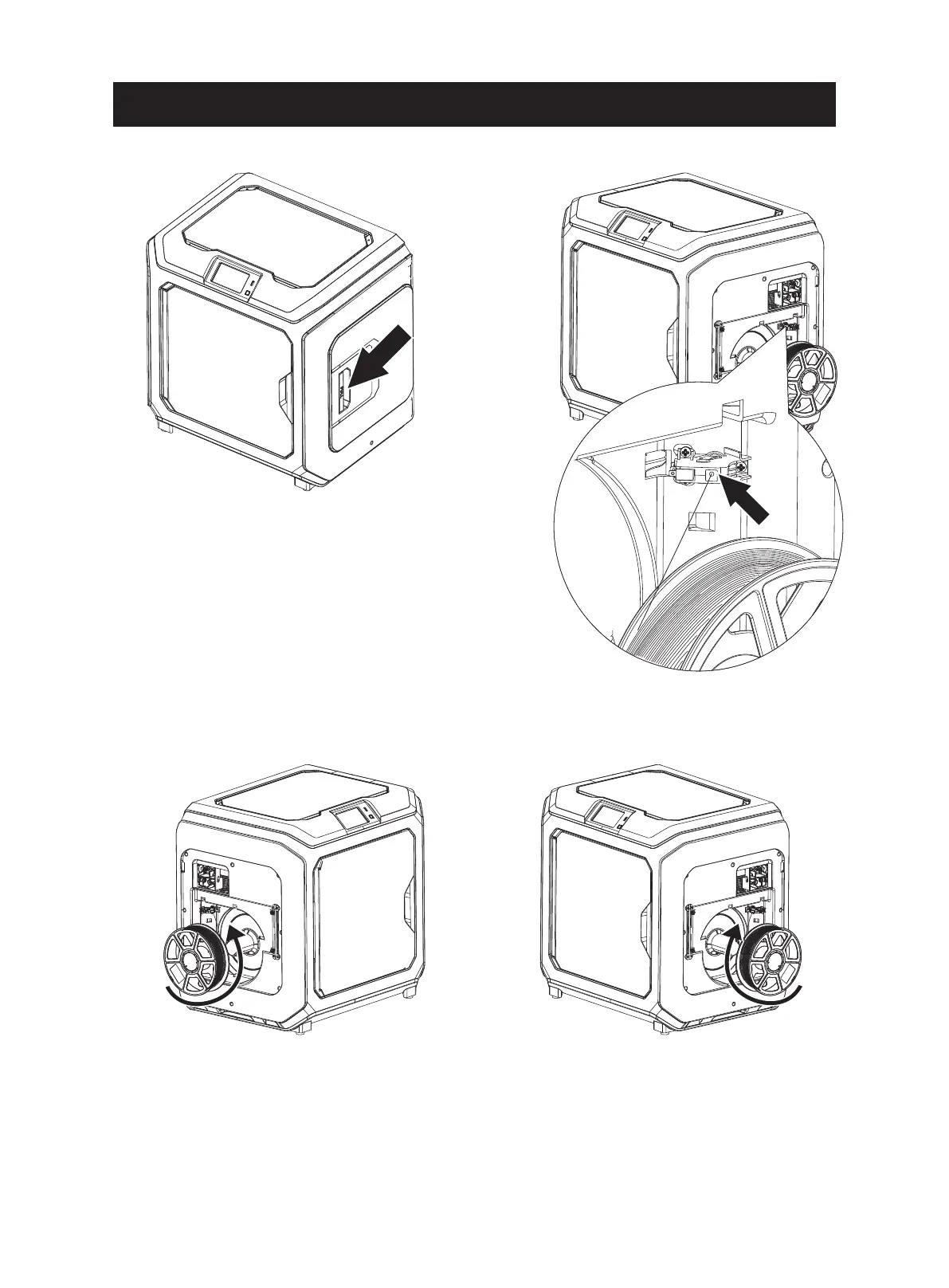
Filament
intake

When installing filament on the left side, please unload filament anticlockwise;
when installing filament on the right side, please unload filament clockwise.
15


Other manuals for Flashforge Creator 3

Related product manuals