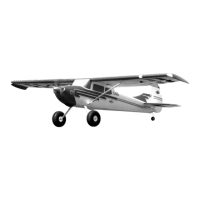
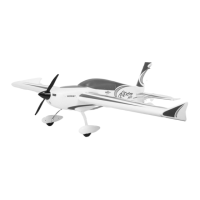
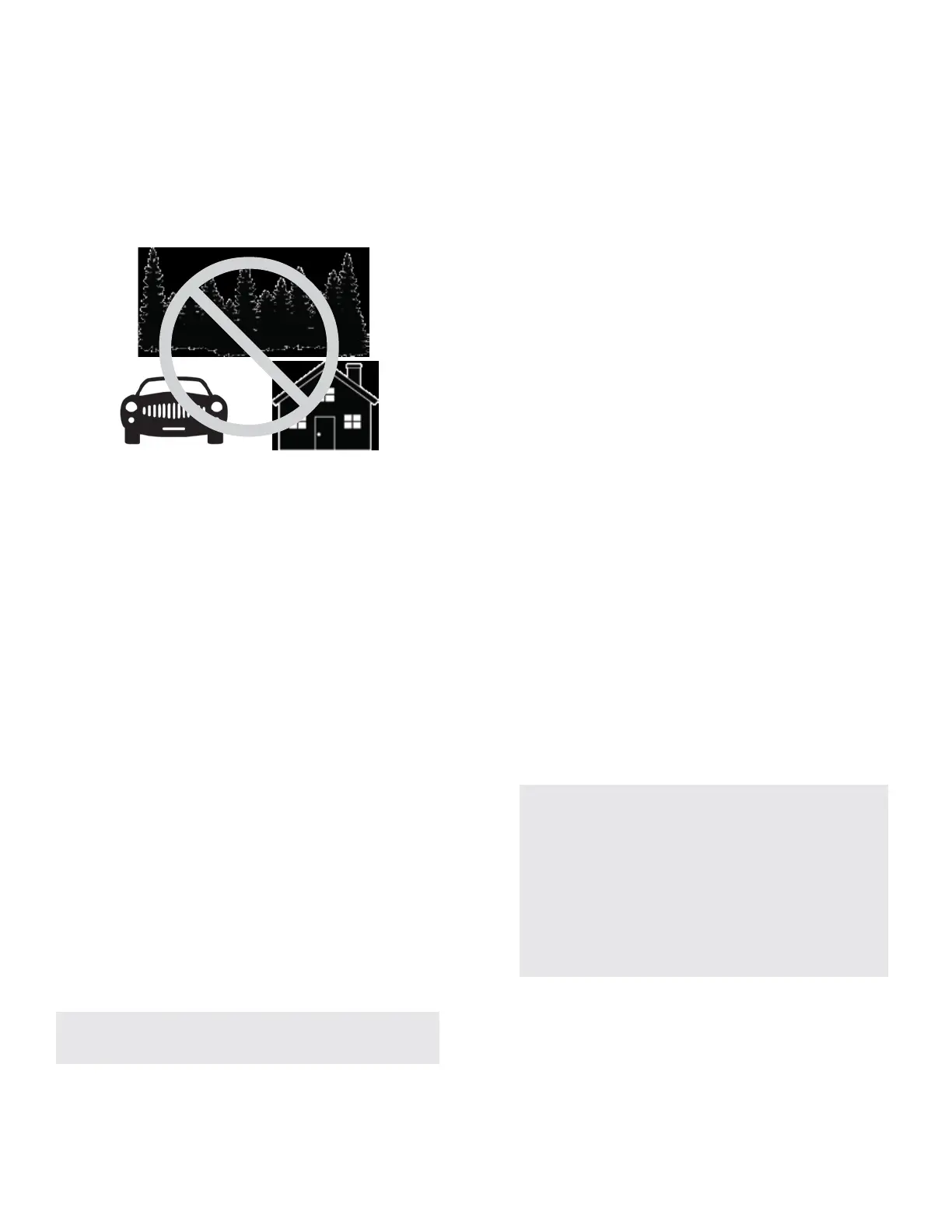
neighborhood or parking lot is not recommended. A local AMA eld
Takeo
Taxi or place the aircra on the runway centerline, with the nose
pointed into the wind. Select Flight Mode 2, with the aps in the up
posion for the rst ight. Set throle trim so that the motor spins
at it's lowest RPM without stopping. Smoothly advance the throle
to full while maintaining direconal control with the rudder and
slight back pressure on the elevator. The airplane should li o
smoothly before the throle is fully open. Fly in Flight Mode 2 unl
the aircra is fully trimmed (see special trimming instrucons), and
you are comfortable with it's handling, then explore the other
modes as desired.
Flying
Altude is your friend on the rst ight. Briskly climb to a safe
altude and trim the airplane. The airplane should y straight and
level at 2/3 power (depending on baery pack voltage selecon),
with no input from the scks. Try some basic maneuvers, and slowly
progress into the airplane's ight envelope as you become more
comfortable with the airplane's ight qualies and perfect your
setup. Note: if at any me, such as aer gain adjustments, you
experience unexpected control system inputs or oscillaons, switch
to Mode 1, and land and troubleshoot the issue. (Mode 1 turns the
sensor inputs o with default programming)
Trimming
The rst several ights on your Cessna 170 should be dedicated to
trimming and setup. Fly the airplane at 2/3 power in Flight Mode 2
and trim for level ight. Land, adjust linkages and return the trim to
zero, and y again. Repeat unl the airplane ies hands o, straight
and level. Transmier trim or sub-trim will cause trim shis when
dierent ight modes are selected. To eliminate this trim shi, you
can mechanically trim the model, or you can complete and Aura
"Quick Trim".
Aura Quick Trim
The Aura 8 features a Quick Trim Mode that eliminates the need
for mechanical linkage adjustments during test ights. Aura will
learn the trim values from your transmier, and apply them to the
control surfaces at power up when enabling quick trim mode.
1.
2.
3.
4.
5.
6.
USE CAUTION WHEN FLYING YOUR CESSNA 170 IN FLIGHT
MODE 3 AT HIGH AIRSPEEDS. DOING SO CAN INDUCE CONTROL
SURFACE OSCILLATIONS AND MAY CAUSE A CRASH.
Landing
Be mindful of your ight me and allow adequate baery reserve
for a couple of landing aempts, if necessary, on the rst few
ights. For the rst few landings, land with the aps in the up
posion. Select Flight Mode 2 and slow the airplane and align with
the runway, into the wind. The airplane should descend smoothly
in this conguraon with proper airspeed. Once you are close to
the ground, gradually close the throle fully and begin to smoothly
apply up elevator as required to arrest descent and the airplane
should gently touch down with a short roll out.
NOTE:
Quick Trim can also be used BEFORE ying to make
small changes to center the control surfaces before
ight.
Fly the airplane in Flight Mode 2. Trim the aircra with the
transmier and land. DO NOT CHANGE FLIGHT MODES.
Power o the Aura. Insert a bind plug into Aura Port S3 (you
will need to remove the servo lead that is currently in S3).
Check the transmier is on and repower the Aura.
Wait 5 seconds for the Aura to completely inialize. Conrm
Quick Trim mode is acve by checking the Blue LED is slowly
ashing.
Remove the bind plug from Aura Port S3, and re-install the
servo that was previously removed into S3. Removing the bind
plug stores the current trims in the Aura. The Blue LED will
ash quickly aer control surface trim values are store. While
the trim values are stored in Aura, they are not applied to the
control surface(s) unl the Aura is repowered.
Remove power from the Aura and center all control surface
trims on the transmier.
Repower the Aura. The control surfaces should be unchanged
even though the trim has been centered on the Transmier.
Switch between other Flight Modes to ensure you do not see
any changes in trim.
NOTE:
QUICK TRIM MAY BE REPEATED AS NEEDED FOR
FINE TUNING, OR IF CHANGES TO THE AIRCRAFT
ARE MADE.
ENSURE AILERON/ELEVATOR/RUDDER SUB-TRIMS
ARE ZERO BEFORE FLYING FOR QUICK TRIM
PROCESS
QUICK TRIM IS NOT AVAILABLE TO PWM
CONNECTION USERS. IF USING A PWM
CONNECTION TYPE, YOU WILL NEED TO
MECHANICALLY TRIM THE MODEL
NOTE:
NOTE:


 To Next Page
 Loading...