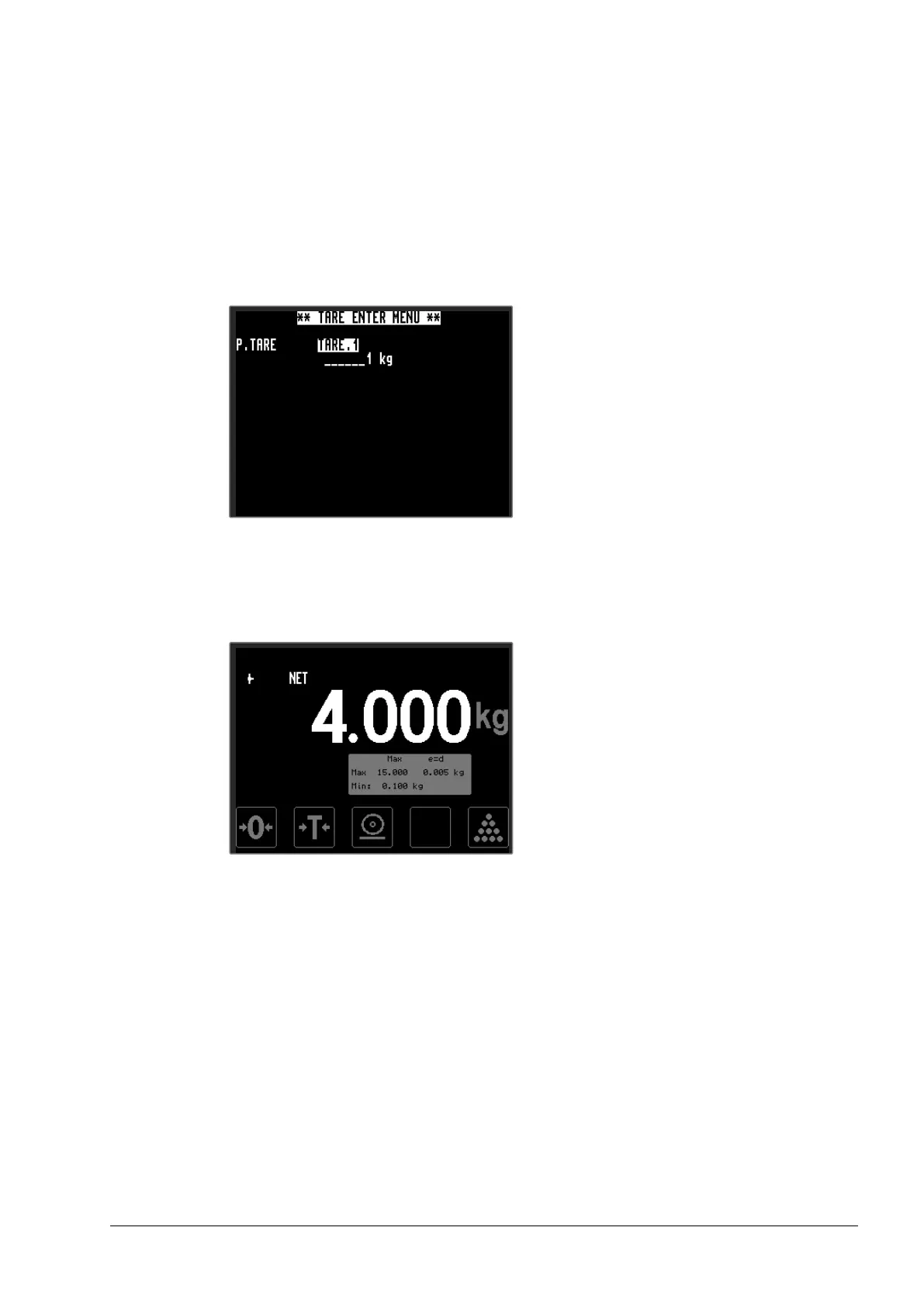
• The latest entered tare value will be shown on the display, if this
value is to be used, then press the <Enter> key. Else enter a new
value, see section 3.1 Touch- and navigation-buttons for instructions
for input. When the value is saved it will be automatically used as
current tare value.
• As soon as the tare value is saved or selected it will be put into
operation and the scale switched over to net weight.
• To remove the effect of the tare and return to gross weight display,
briefly press the <Tare> key again.


 To Next Page