EasyManua.ls Logo

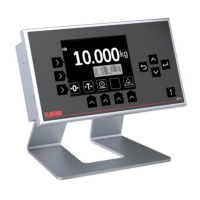
FLINTAB 47-11 - Internal graphic LCD with panel touch buttons; Touch- and navigation-buttons

FLINTAB 47-11
27 pages
Print Icon
To Next Page IconTo Next Page
To Previous Page IconTo Previous Page
Loading...
USER MANUAL
4-56020
2019-02-11 / Tony Kübek
Edition 1.0
\\FS01\Avd\85\Produkter\VIKTINDIKATOR\Handhavande\47-11\4-56020 rev 1-0 Weightindicator 47-11 User manual 20190211.doc
Page 7 (27)
Flintab AB
Tel 036-31 42 00
Kabelvägen 4
mail@flintab.se
553 02 JÖNKÖPING
3 Internal graphic LCD with panel touch buttons
The 47-11 indicator can be fitted with an optional internal graphics LCD
with integrated touch-button panel.
Depending on configuration, the display can use different basic layouts
for displaying weight and related information. Relevant weighing
functions will be shown on the display next to a touch-button.
3.1 Touch- and navigation-buttons
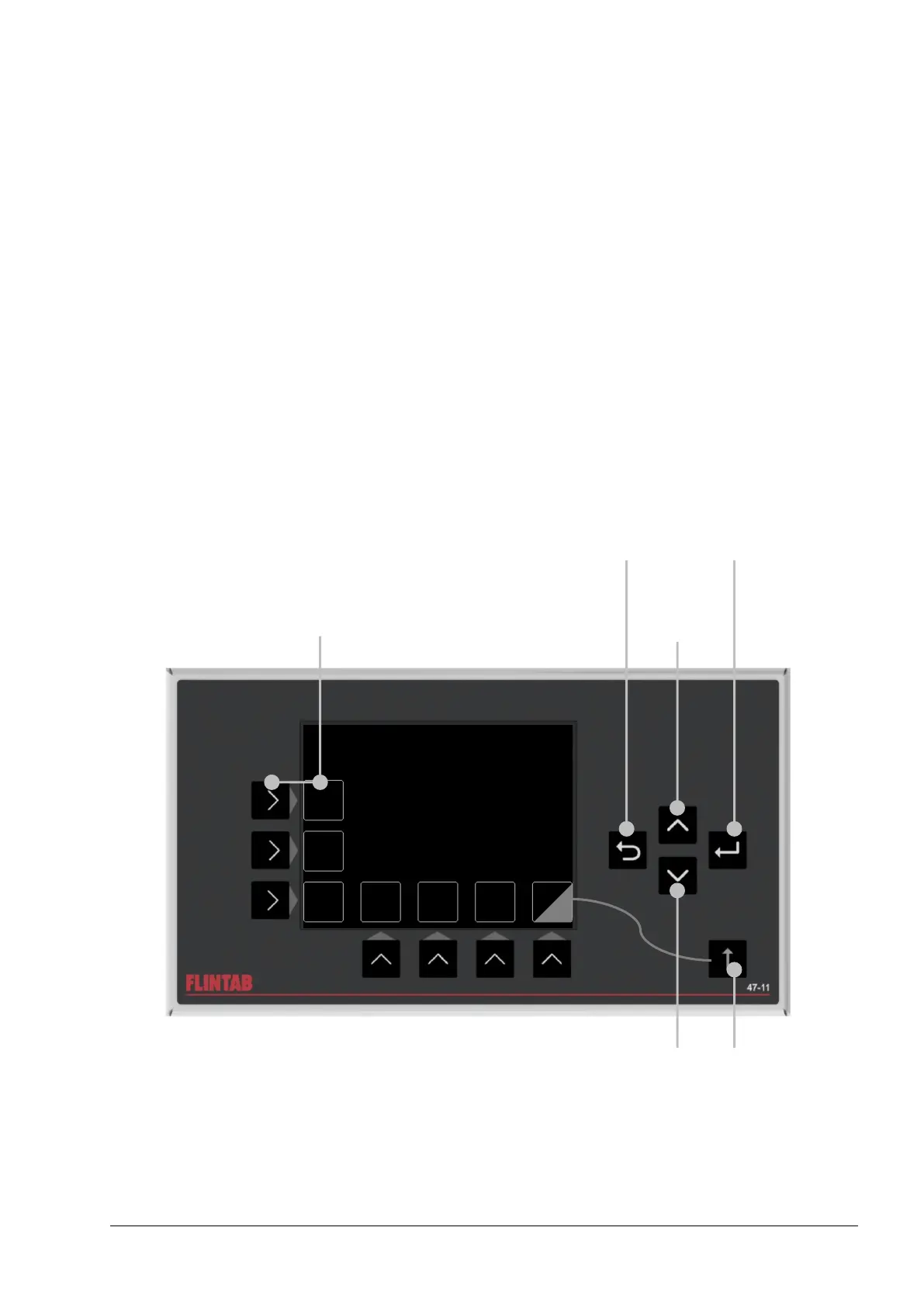
The internal graphic LCD uses on screen touch-buttons for weighing and
related functions and navigation buttons for menu- and input-control.
The touch-buttons will display weighing functions depending on current
configuration and layout.

1
2
Touch-buttons
max. 7 + 7 (shifted)
- Navigate Up
- Next digit
(during entry)
- Back/Cancel/Exit
- Abort Power-On
- Enter/Select
- Shift
(alternate touch-buttons)
- Navigate down
- Increase/cycle digit
(during entry)