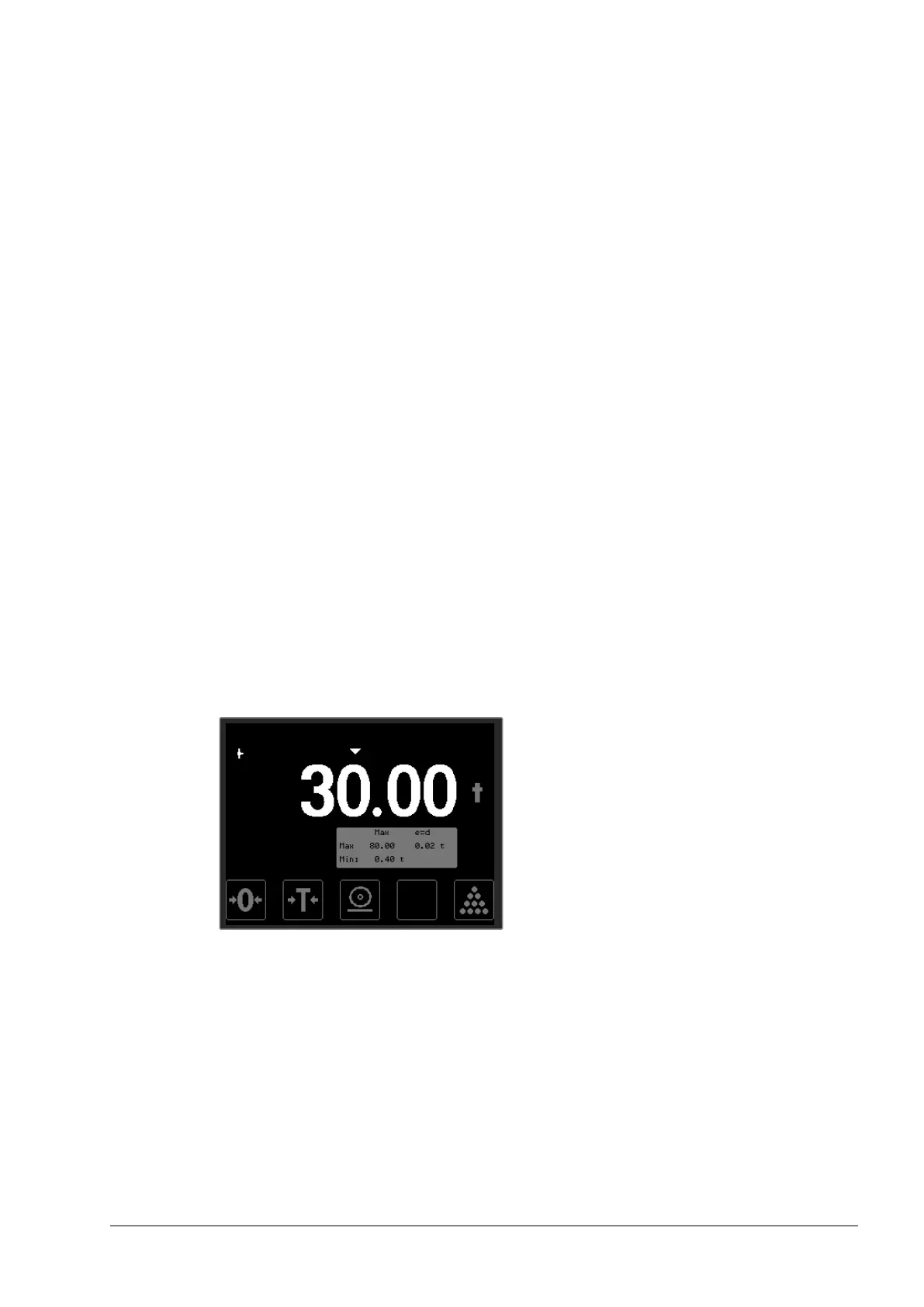
5.6 Parts counting
The weight indicator can be used to count discreet weights
(components, pieces, parts), displaying number of items rather than
weight. The counting feature can be used both when adding parts
(positive number) or subtracting parts (negative number). Both types of
counting use the following steps:
• Tare any container
• Place a parts sample on the scale
• Initiate weighing to calculate item-weight
• Count parts
The last calculated item-weight is stored in the weight indicator and can
be used until a different item-weight is introduced or the indicator is
switched off. Indication is always related to displayed weight (gross or
net) i.e. taring the scale also means setting the item count to zero.
How to calculate a new item-weight, see example below:
• Place several items/parts on the scale, the greater the number the
more accurate the calculation of the item-weight will be. Minimum
recommended number of items are 10.


 To Next Page