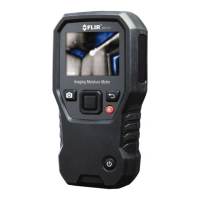
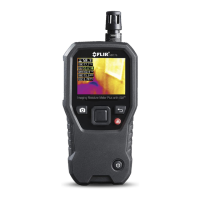
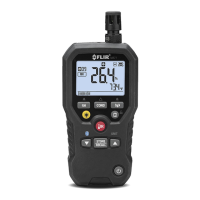
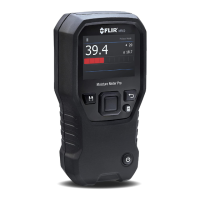
FLIR MR160 USER MANUAL Document Identifier: MR160-en-US_AF
5.2.3 IMAGE Modes
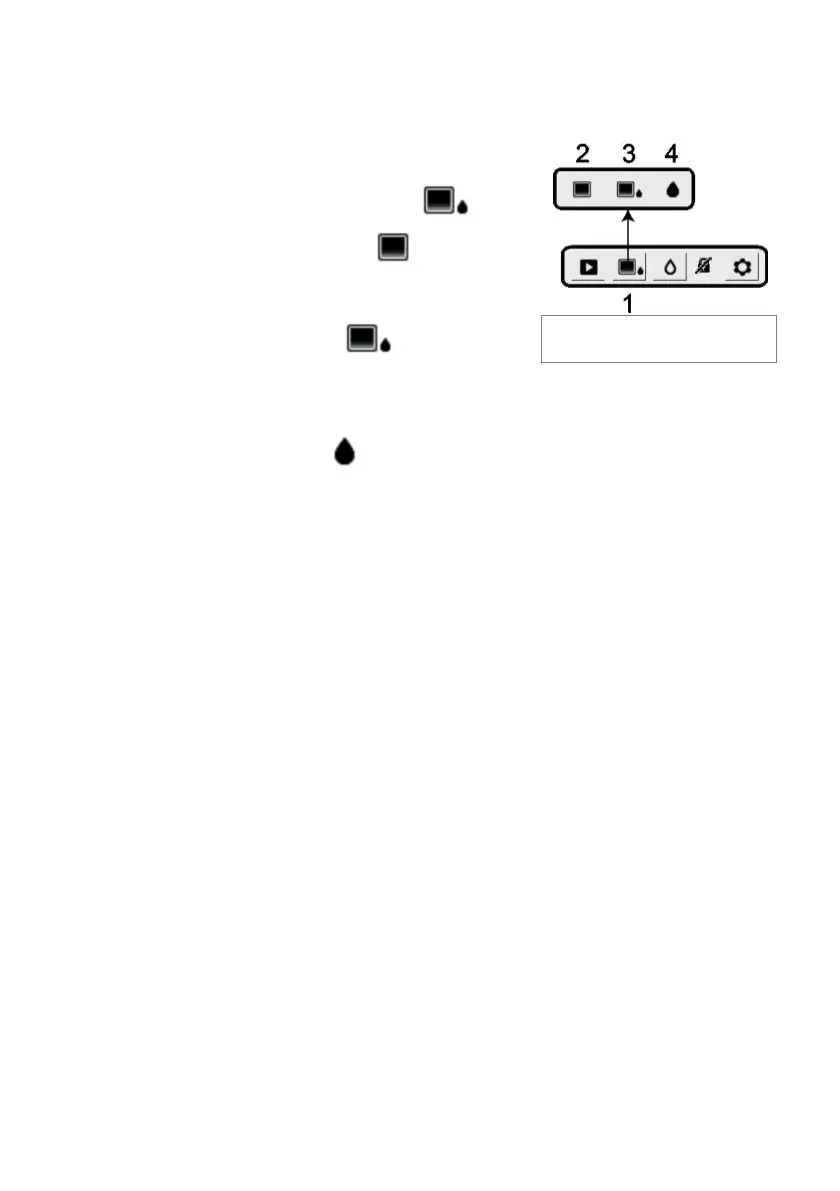
Press the Select button to access the Main Menu and then select the IMAGE mode icon (1).
Refer to Fig. 5-2. Choose Thermal IR Image-only mode (2), IR + IGM Moisture mode (3), or
Moisture-only mode (4). Each mode is described below.
1. Image mode icon in the Main Menu
2. IR Thermal Image mode only
In the IR mode the meter displays only the IR
Thermal Camera image. See Fig. 5-6
3. IR + IGM Moisture mode
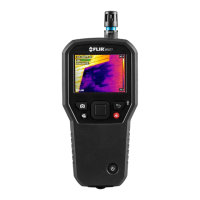
In the IR + IGM Moisture mode the meter displays the IR Thermal Camera Image and
the moisture reading text (upper left hand corner) and the pin or pinless mode icon
(depending on which is currently selected). See Fig. 5-1(a).
4. Moisture reading only
In the Moisture only mode the IR Thermal Camera Image is off and the meter shows
only the moisture reading in digits and in bargraph formats, see Fig. 5-1(b).



 To Next Page