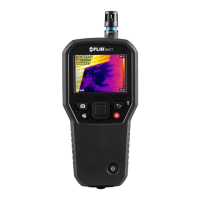
FLIR MR160 USER MANUAL Document Identifier: MR160-en-US_AF
5.2.6 External Pin Probe Moisture Measurements
1. Follow the steps in Section 5.2.1 through 5.2.4 and select Pin mode from the MOISTURE
mode options.
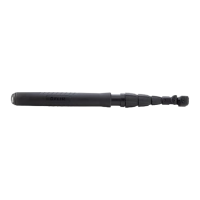
2. Connect the external pin probe to the meter’s EXT jack on the bottom of the meter
(under the protective flap). Refer to the FLIR website for information on available
external pin moisture probe types.
3. Select the appropriate Material Group as described in Section 5.2.4 (see Section 9 for the
Material Group Appendices). Note: Use Group 9 for building materials.
4. Press the pins into the material under test.
5. The moisture reading is displayed on the main display (%) in the upper left-hand corner
(IR + IGM Moisture mode) or as a bargraph with accompanying digits (Moisture-only
mode). Refer to example screens shown in Fig. 5-1.
Notes on External Pin Probe Moisture measurements
The MR160 will display accurate external pin probe readings in the 7% to 30% range,
depending on the tested material. Moisture Content readings below 6% will display as 0% for
all materials and the maximum specified range is dependent on the fiber saturation point for
specific species. Above the fiber saturation point, the reading can only be used as a relative
reference value.
For more information on fiber saturation please refer to ASTM D7438. For additional
information on Pin moisture measurement accuracy please see ASTM D4444, section 6.



 To Next Page