STRADA GENERATION3 – S5 - INSTALLATION MANUAL
63/66
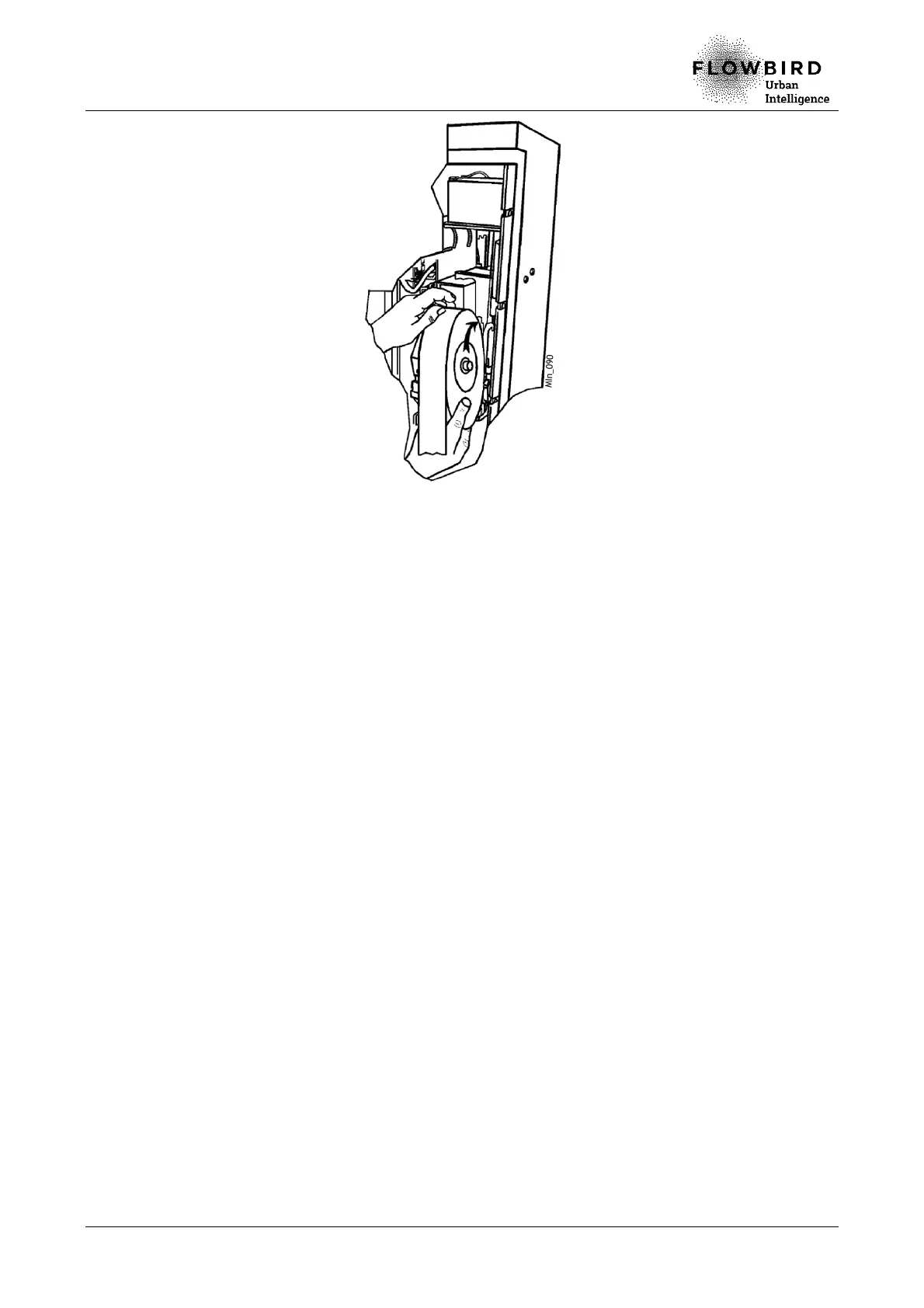
Installing the ticket roll
F. Check that the roll rotates freely in the support.
G. Insert the end of the paper in the printer guide and gently push the paper until it stops.
H. Put the paper protection back in place.
I. Enter the maintenance mode and perform function 211.
J. Select Yes so that the terminal takes into account the installation of the roll and
updates the tickets count.
K. After validation, the terminal prints a test ticket.
L. Take the printed test ticket.



 To Next Page