REGULATION INSTRUCTIONS
46
P
ARAMETER
21
–
I
GNITION
S
EQUENCE
S
ETTING
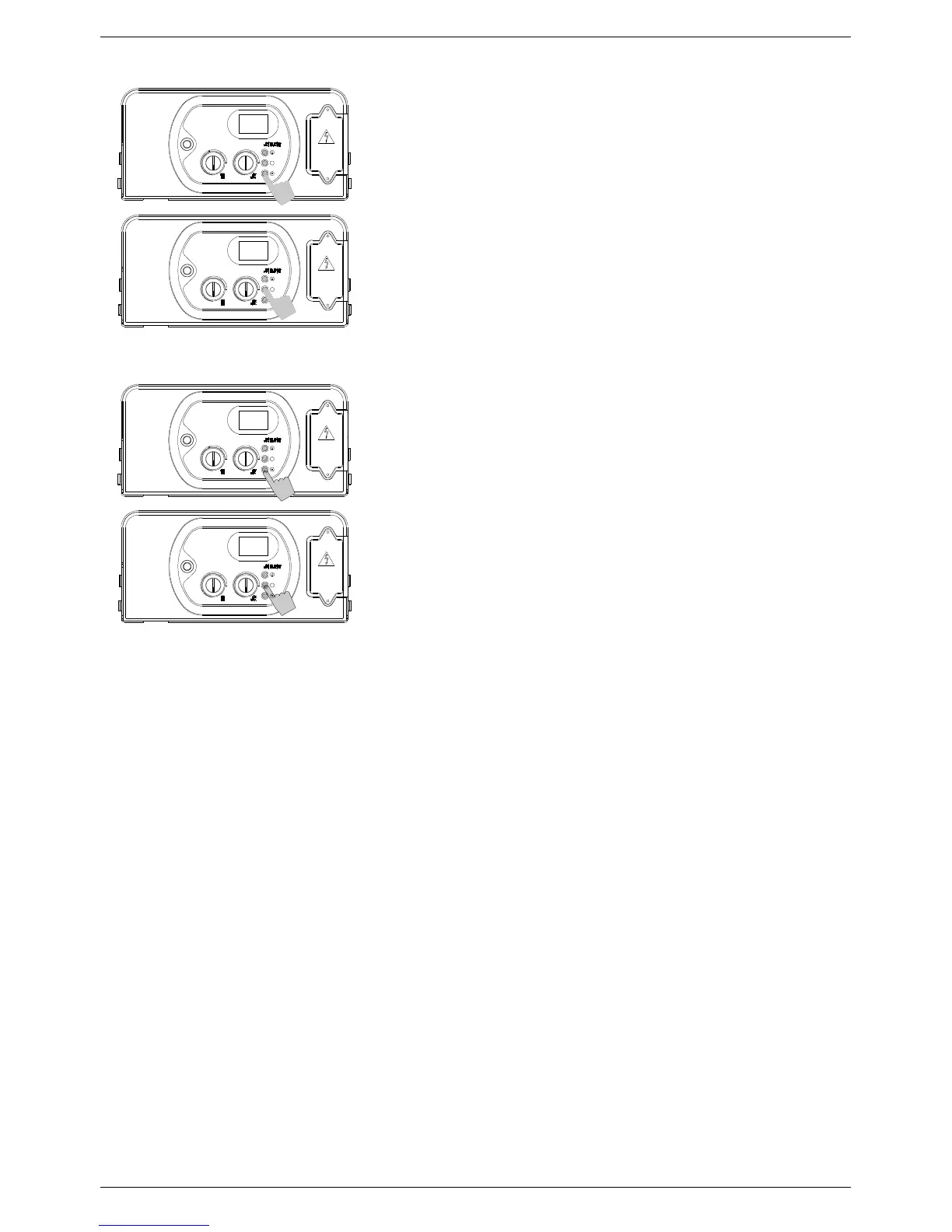
6. Use buttons ‘+’ o ‘-’ to modify the value of the parameter
between: min = value of parameter 17; max = value of
parameter 18.
The default value is:
- 110 Hz for Natural Gas;
- 130 Hz for propane.;
7. Press and release button ‘S’ to confirm. The parameter number
(21) will appear in the display.
8. Switch off the appliance and switch it back on again to render
the new parameter operative.
P
ARAMETER
22
–
F
AN
F
REQUENCY VALUE DISPLAY
6. Use buttons ‘+’ o ‘-’ to modify the value of the parameter: - 00 =
Off
- 01 = On
If parameter value 01 is selected, during the water heater operation,
the display will show the fan frequency value for 10 min.
7. Press and release button ‘S’ to confirm. The parameter number
(22) will appear in the display.
8. Switch off the appliance and switch it back on again to render
the new parameter operative.
S
S
21
110
00
22
S
S
120 60 Hz
120 60 Hz
120 60 Hz
120 60 Hz



 To Next Page