1760
Users Manual
2-8
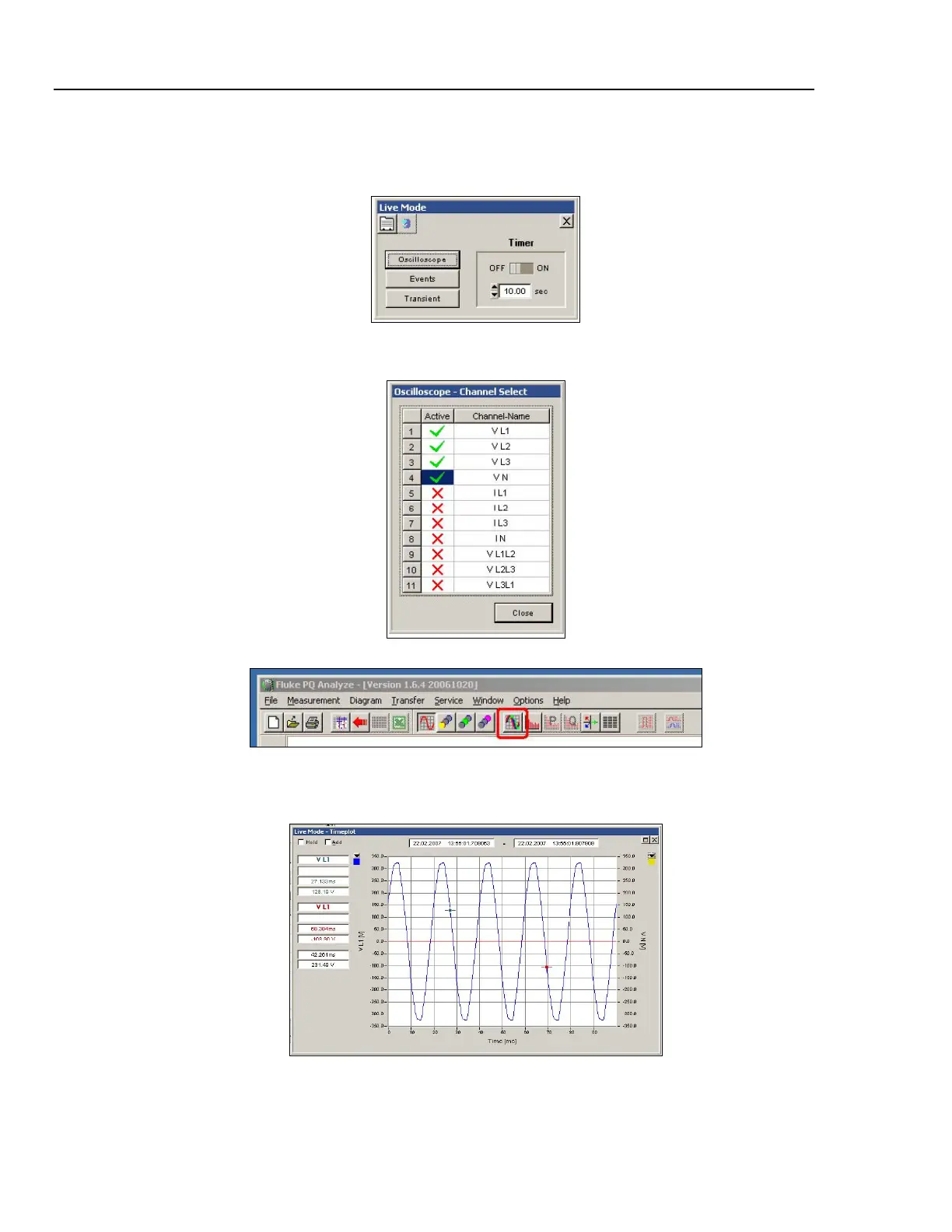
Measure: Select menu “Transfer > Live Mode”.
Press “Oscilloscope”
2_10.bmp
Select all channels that you want to have displayed and press the “Timeplot” icon.
2_11.bmp
2_12.bmp
If everything works correctly you will see an oscilloscope like recording of the signals
supplied to the input channels. All connections and sensors are working properly.
2_13.bmp
For detailed instructions, refer to the Reference Manual PQ Analyze.



 To Next Page