3 - 38 USING THE COMBISCOPE INSTRUMENTS
3.6 Channel Selection
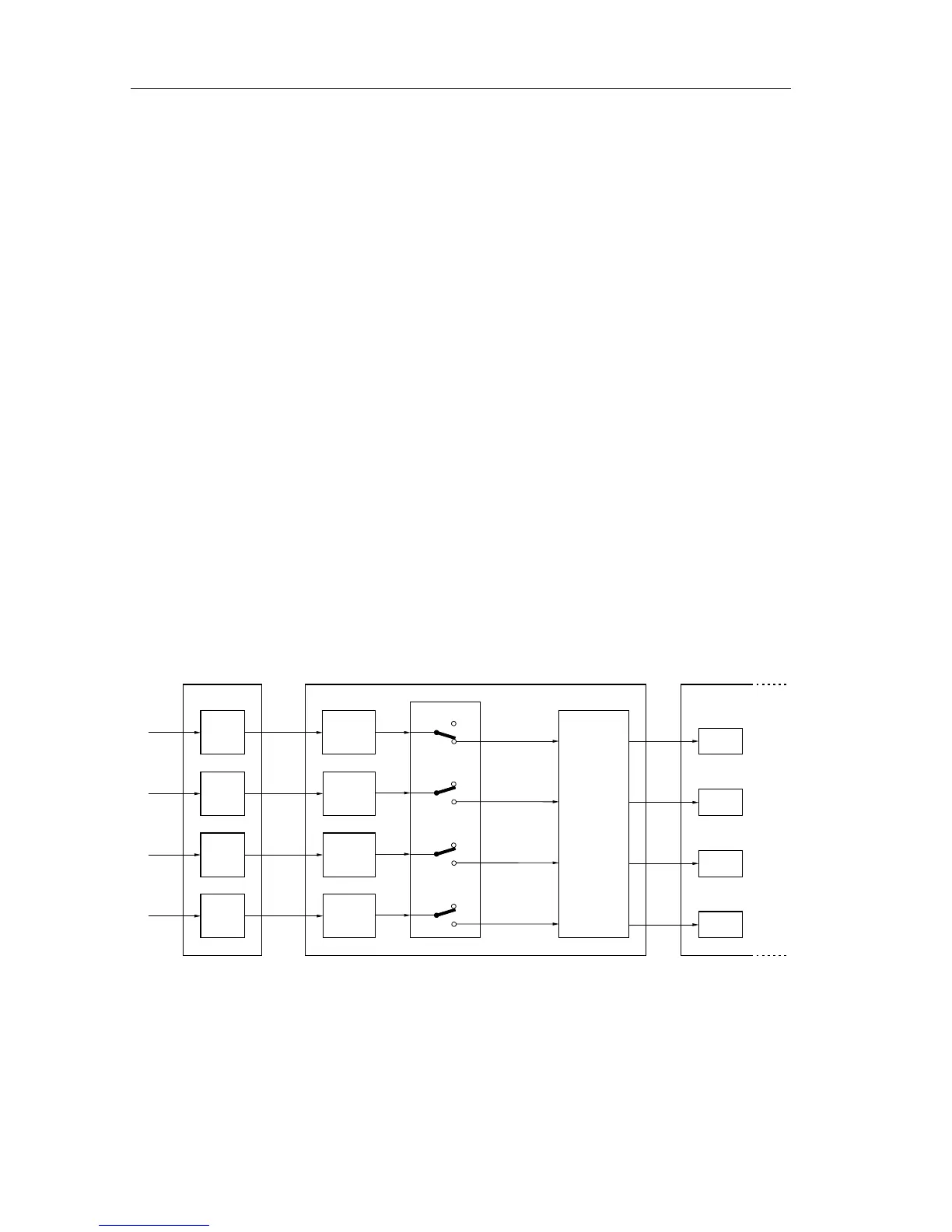
Input channels can be switched on or off by using the SENSe:FUNCtion[:ON] or
SENSe:FUNCtion:OFF commands. An input channel is selected by specifying
the parameter "XTIMe:VOLTage<n>", where the numeric suffix <n> specifies the
input channel number. After a
*
RST command, channel 1 is turned on and the
other channels off (including the EXTernal input for PM33x0A).
Addition of two channels can be selected by specifying the "XTIMe:VOLTage:SUM"
parameter as follows:
> Addition of CH1 and CH2: "XTIMe:VOLTage:SUM 1,2"
> Addition of CH3 and CH4: "XTIMe:VOLTage:SUM 3,4"
Note: Enabling of the addition of input channels (e.g. CH3+CH4), automatically
switches channel 3 and channel 4 on. Disabling of the addition of two
channels (e.g. CH3+CH4), automatically switches channel 3 and
channel 4 off, provided at least one channel remains on.
Programming tip:
If CH1+CH2 is on and CH3 and CH4 are off, CH1+CH2 cannot be programmed
off by sending: SENSE:FUNCtion:OFF "XTIME:VOLTage:SUM 1,2"
Instead, send the command:
SENSe:FUNCtion:ON "XTIME:VOLTage2" ’Sets CH2 on
PROGRAM EXAMPLE:
CALL Send(0, 8, "SENSe:FUNCtion 'XTIMe:VOLTage:SUM 1,2'", 1)
’
CALL Send(0, 8, "SENSe:FUNCtion:ON ’XTIMe:VOLTage2’", 1)’
’Sets CH2 on, CH1+CH2 off, CH1 remains off.
INPut[1]
INPut
@1
@2
INPut2
INPut3
@3
INPut4
@4
:VOLTage[1]
:VOLTage2
:VOLTage3
:VOLTage4
:OFF
[:ON]
:OFF
[:ON]
:OFF
[:ON]
:OFF
[:ON]
:FUNCtion
"XTIMe:VOLTage1"
"XTIMe:VOLTage2"
"XTIMe:VOLTage3"
"XTIMe:VOLTage4"
:SWEep
Main Time Base
ST7158
SENSe
TRACe
CH 1
CH 2
CH 3
CH 4
memory
Figure 3.14 Input channel control









 To Next Page