DSP-4000 Series
Users Manual
4-2
Scanning Function
The Single Test versions of the wire map, resistance, HDTDR, and HDTDX
analyzer tests include a scanning function, which you can activate by pressing the
# Scanning ON softkey. The scanning function runs the test repeatedly and
updates the display each time a test is complete. This function is useful for finding
intermittent problems on a cable.
Note
To extend battery life, connect the ac adapter/charger when using
the scanning function for more than 1 minute.
When to Use a Remote Unit
A remote unit is required only when testing twisted pair cabling. Table 4-1 shows
which cable tests require a remote and which remotes support each test.
If a remote unit is detected at the start of a Single Test, the test tool runs a wire
map test before running the selected test. If the wire map test fails, the test tool
stops the test and displays the wire map. Press $ Continue Test to run
the selected test.
Note
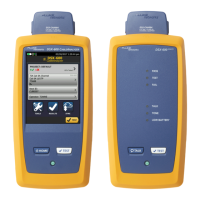
The DSP-4100 and DSP-4300 test tools are compatible only with
DSP-4100SR and DSP-4300SR remote units, respectively. The DSP-
4100 and DSP-4300 remotes are not compatible with DSP-100,
DSP-2000, or DSP-4000 test tools.










 To Next Page