4.
Do the OTDR Test
4-1
Clean and inspect the connectors on the launch and tail
cords and the fiber to be tested.
4-2
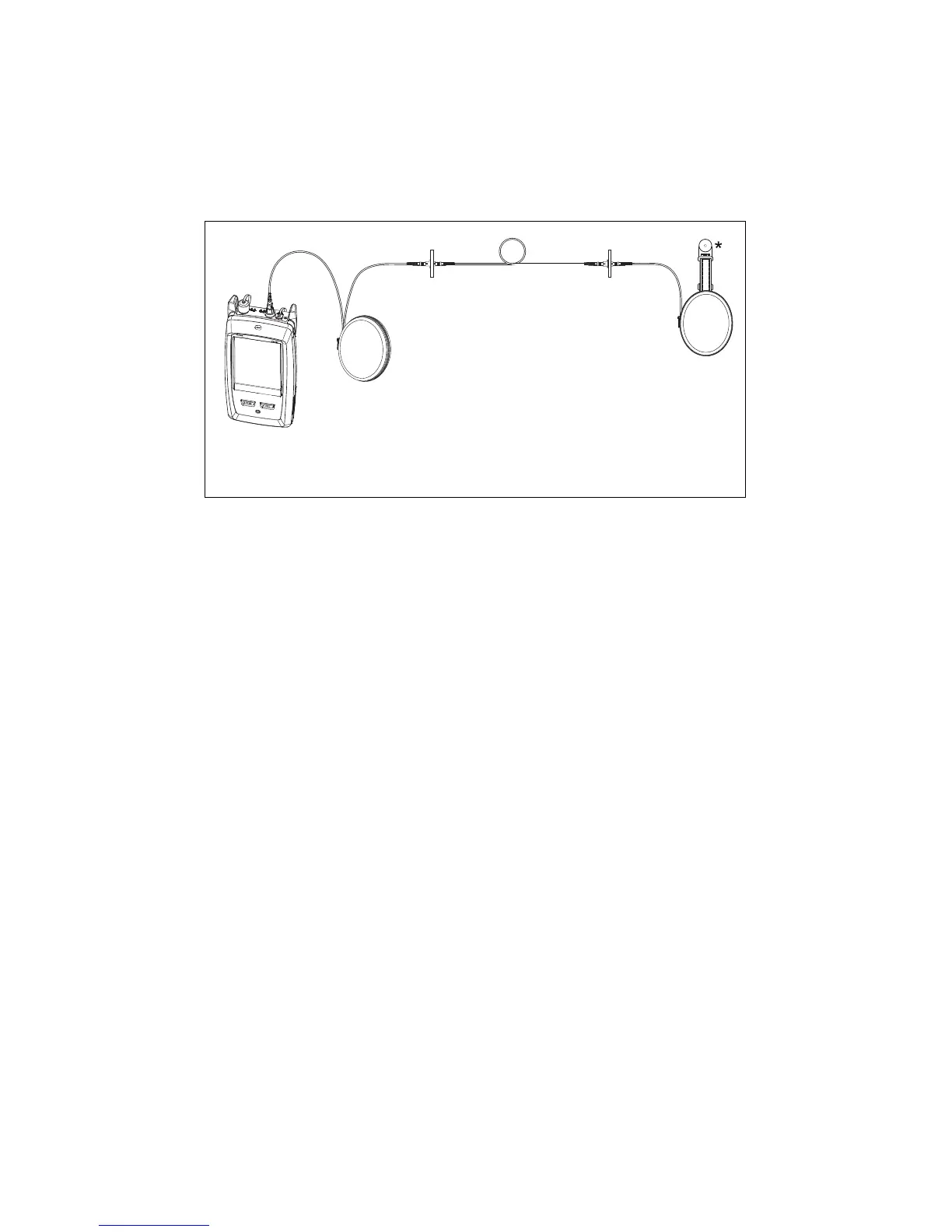
Connect the tester to the link as shown in Figure 4.
4-3
Tap TEST or press .
GSM02.EPS
Figure 4. Connections for an OTDR Test
5.
Examine the Results
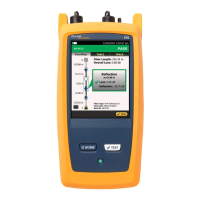
The tester shows the OTDR results in three formats (Figure 5):
EventMap: Shows a diagram of the events on the fiber, the
fiber length, and the overall loss of the fiber. Use this
screen to quickly locate connectors and faults on the fiber.
To see details for an event, tap the event in the map, then
tap the information window for the event.
TABLE: Shows a table of the events on the fiber. Use this
screen to quickly see measurements for all events and see
the types of events that are on the fiber. The table includes
the distance to the event, the loss of the event, the size of
the reflection from the event, and the type of the event.
To see details for an event, tap the event in the table.
TRACE: Shows the OTDR trace. Use this screen to see the
deadzones of reflective events and examine the
characteristics of unexpected events such as ghosts and
gainers.


 To Next Page