11
Example Application
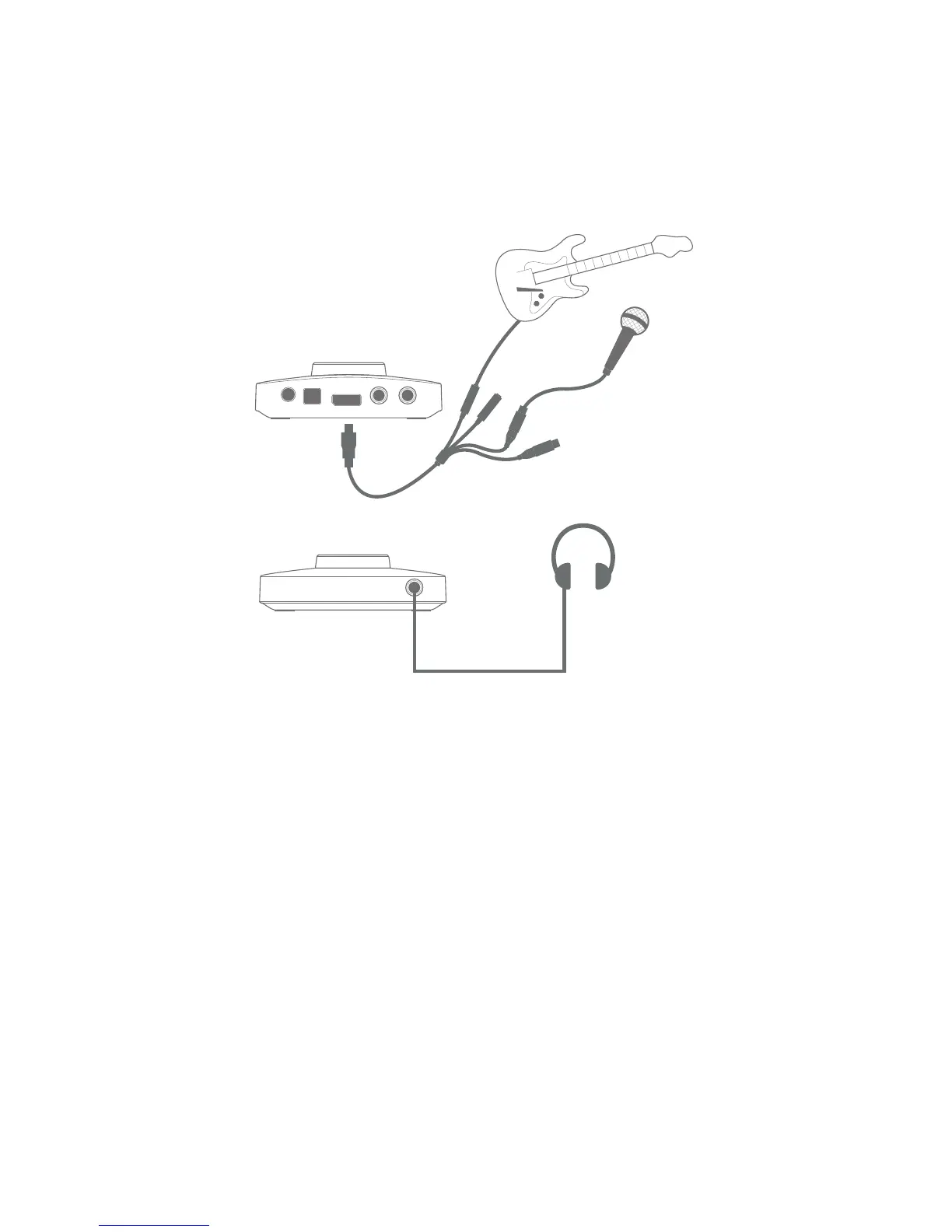
The Focusrite Forte is ideal for a variety of recording and monitoring applications. A typical
configuration is shown below.
Forte as a recording interface
This setup illustrates the most typical configuration for recording with DAW software on your Mac or
PC. In this case, you might record guitar through Input 1 and vocals through Input 2 into your DAW,
while monitoring the playback from the DAW via headphones or loudspeakers.
Forte is supplied with an input loom, which “breaks out” the multipin input connector to two XLR
female sockets (Mic 1 and Mic 2) and two ¼” TRS jack sockets (Line/Inst 1 and Line/Inst 2). You can
record two inputs at once, and these may be two microphones, two line or instrument inputs, or one
of each. The XLR inputs are intended only for use with microphones. All four inputs are balanced.















 To Next Page