18
Hardware Operation
Many of Forte’s main operating features may also be controlled from the hardware controller itself.
The rotary control, colour OLED display and touch icons provide a simple interface which does not
require continuous access to the on-screen Forte Control application.
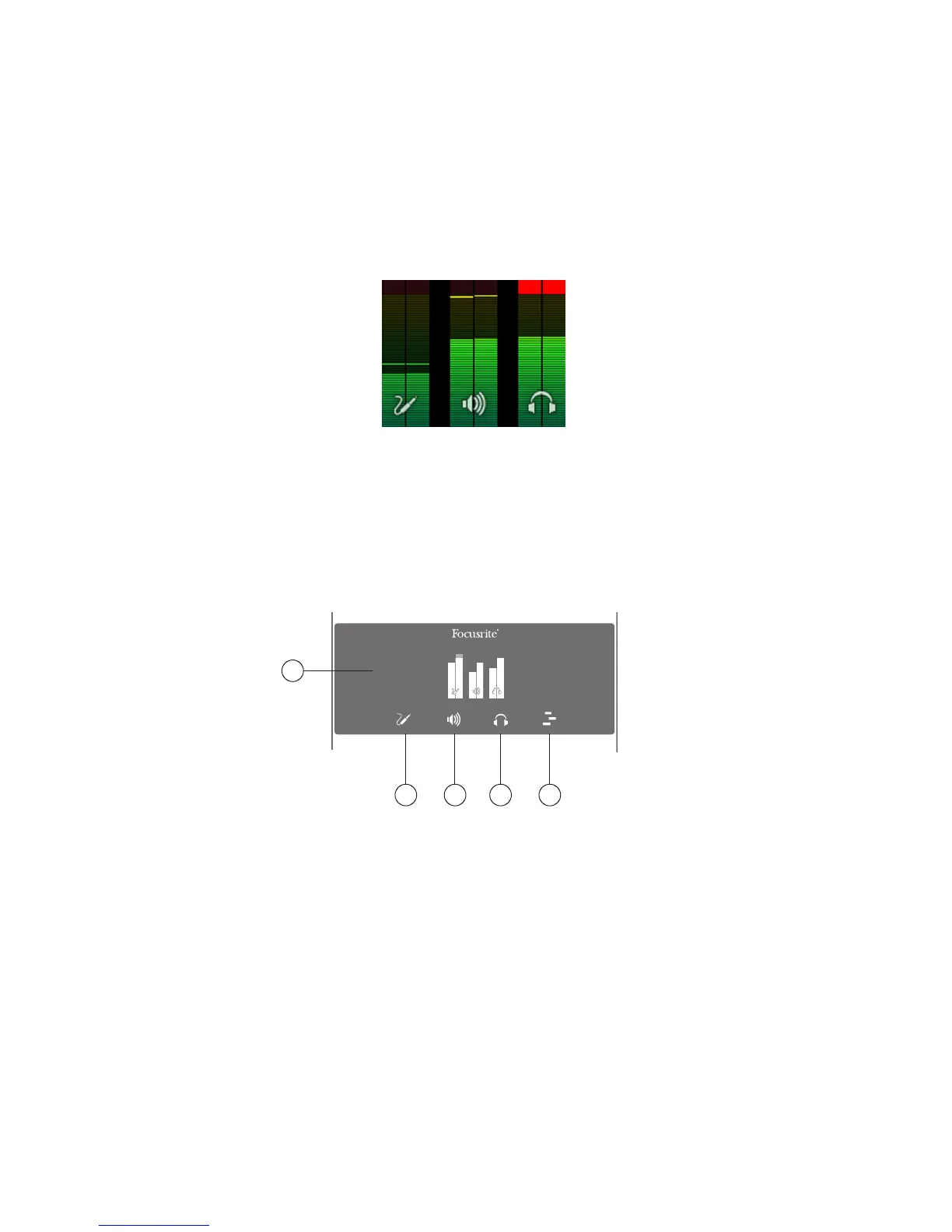
The default display on the OLED is a bargraph representation, with input channels on the left, main
outputs in the centre and headphones output on the right.
Selecting any of the three main modes via the touch icons – Input, Main and Headphones - cause the
bargraph display to temporarily compress to show additional textual information: with a compressed
display, the two wide bargraphs are always those showing the signal level relevant to the selected
Mode; i.e., if you select Main Output Mode, the inputs and Headphone outputs will continue to be
represented, but as thin bargraphs at the sides of the display.
OLED and Mode icons
1
2 3 4 5
1. OLED – colour multi-function display, showing metering and textual information, depending
on user actions.















 To Next Page