22
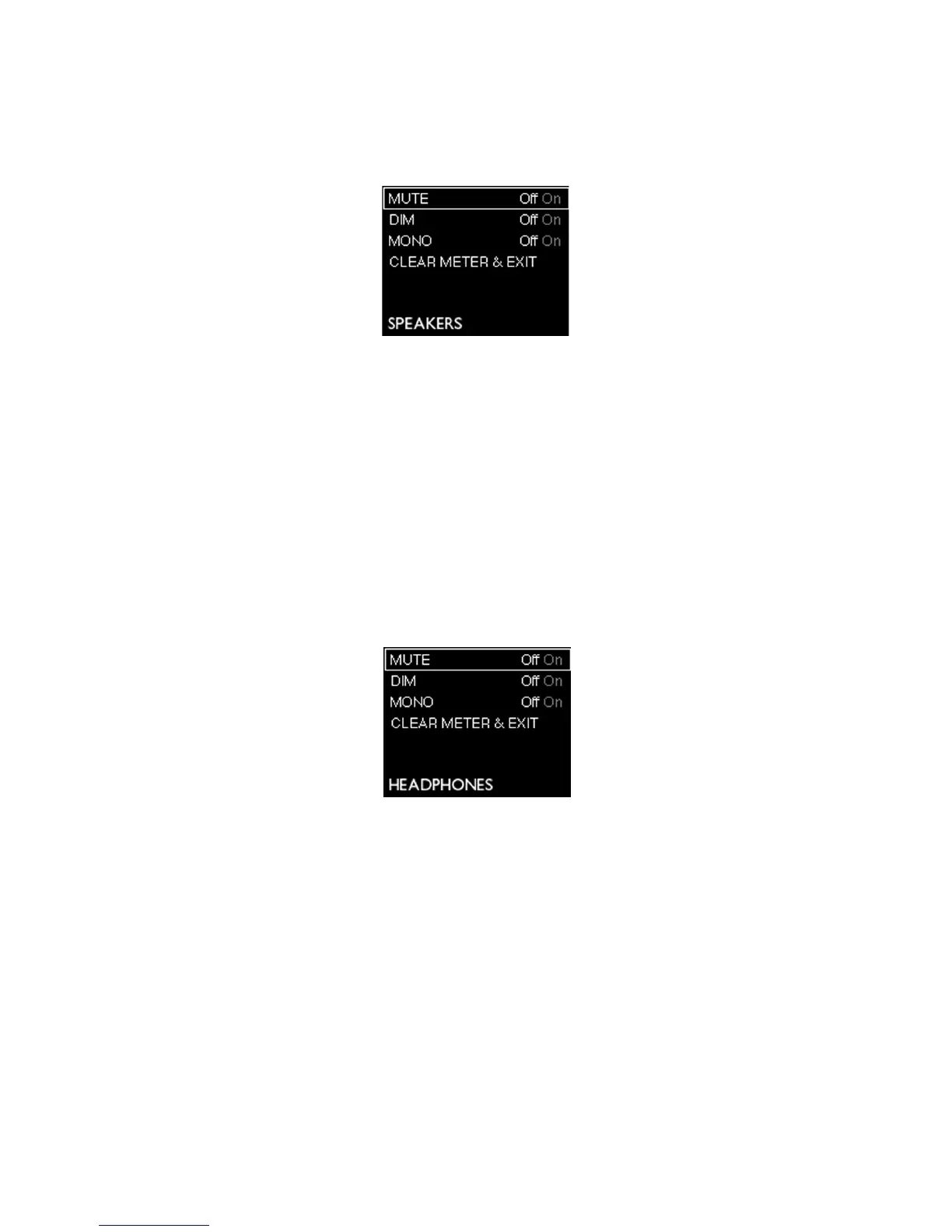
Main Output Mode Menu
Four menu options are available; use the rotary control to highlight the required option, and press
the rotary control to change the state (all options are “switch” functions).
Main Ouput Menu
MUTE- duplicates the function of the on-screen Mute button for the main output channel in Forte
Control.
DIM - duplicates the function of the on-screen Dim button for the main output channel.
MONO– this duplicates the function of the on-screen Mono button for the main output channel.
CLEAR METER & EXIT- this returns the Forte display to the initial gain/metering page, and clears
any “held” bargraph meter segments.
Headphone Output Mode Menu
Headphone Menu
This menu operates in an identical manner to the Main Output Mode Menu.















 To Next Page