20
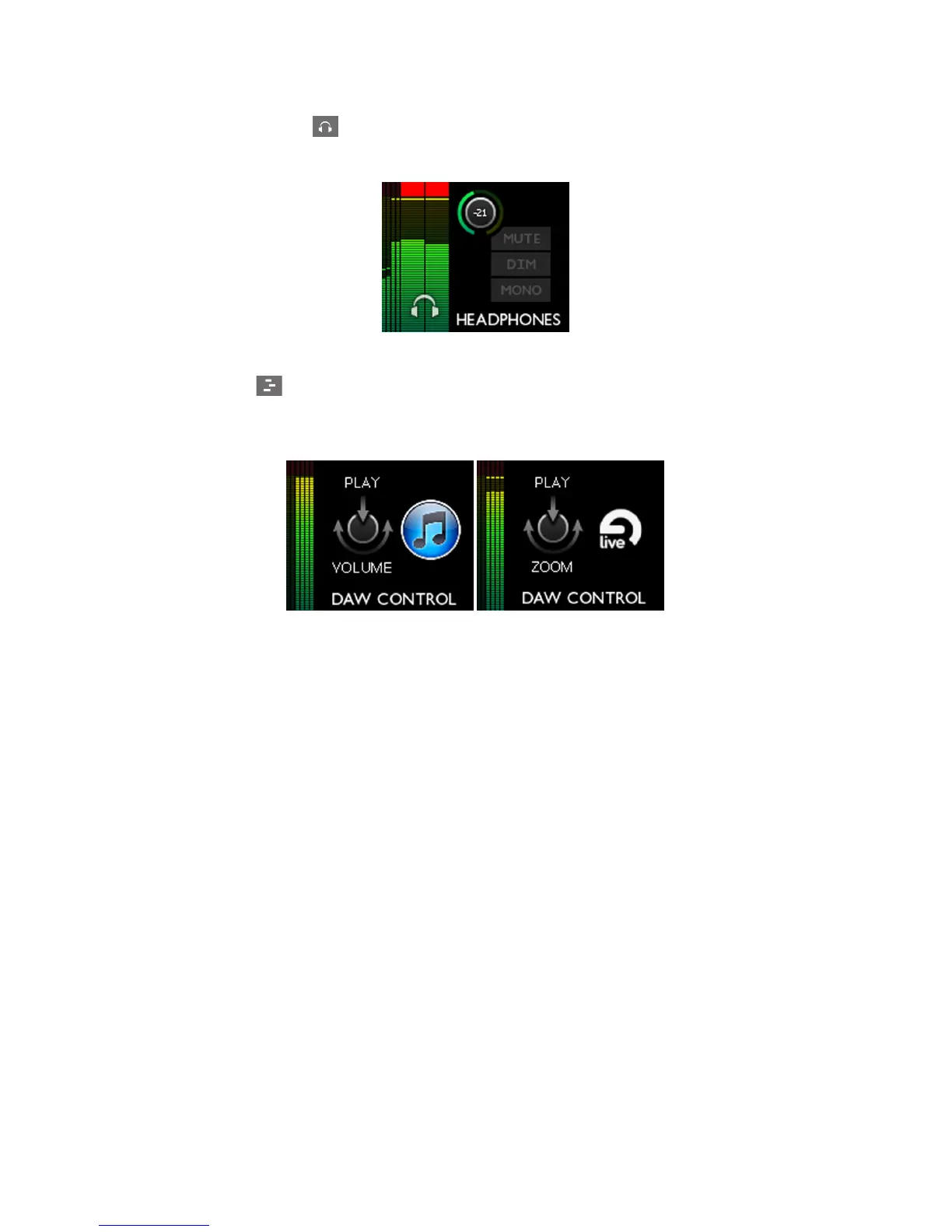
4. Headphones Mode - gives you control of headphone functions. A short touch will allow
the headphones volume to be adjusted with the rotary control. A “long” touch opens a menu,
offering additional headphone-related functions.
Headphone Controls
5. DAW Mode – lets you send commands from the Forte controller to your DAW to control
certain functions. Default commands are PLAY and Horizontal zoom, but these may be re-
defined. Keyboard shortcuts must be enabled in your DAW for this mode to work. See “DAW
Mode Menu” on page 23.















 To Next Page