16
Analogue Outputs
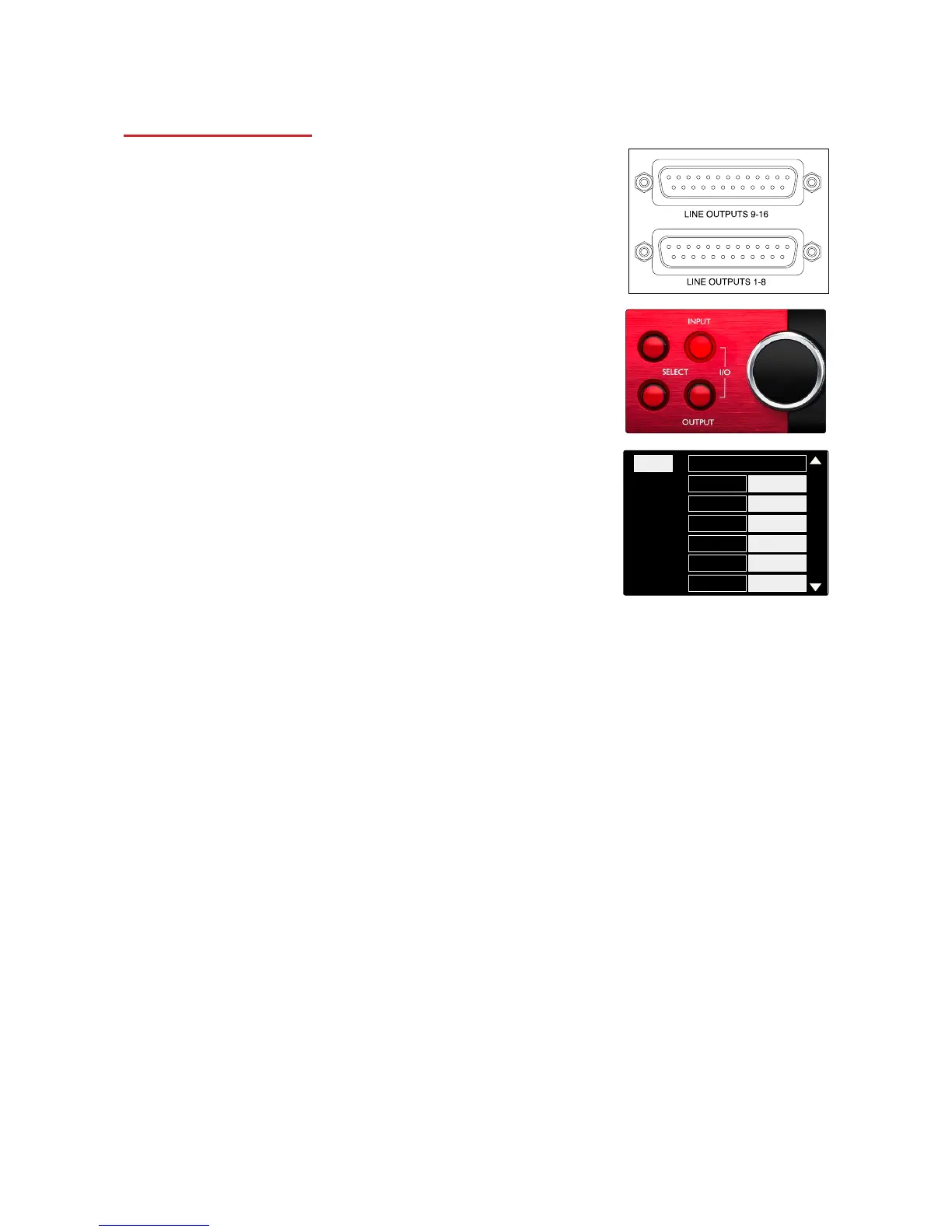
16 analogue outputs are provided on the two DB25 female connectors
on the rear panel.
Operating Level Selection
The operating level for each Line input can be switched between +18
dBu and +24 dBu to correctly match additional studio equipment.
1 Press and hold the Input button until the level selection menu
appears on the Input Display
2 Scroll to the required channel number for individual selection
or to All for global selection
3 Click the Input Encoder to toggle between +18 dBu and +24 dBu
4 Press the Input button again to exit














 To Next Page