17
Thunderbolt Connection
Confirm that Red 16Line’s Host setting is set to ‘Thunderbolt’, see Global Host Settings on page 20.
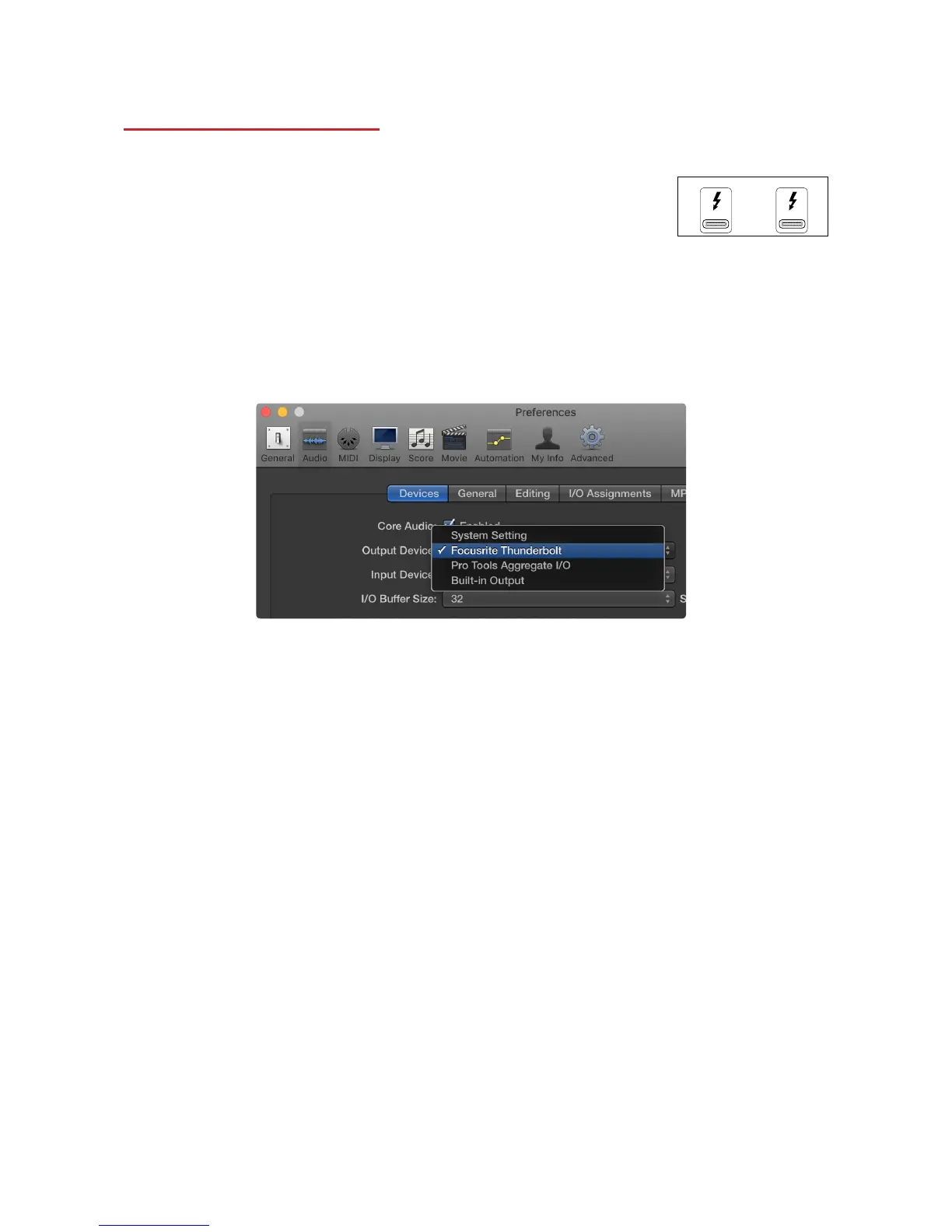
Two Thunderbolt 3 connectors are located on the rear panel.
Connect to the host or into the chain using standard Thunderbolt cables
(one supplied).
See appendix 2, pages 26–28 for the channel I/O allocation tables.
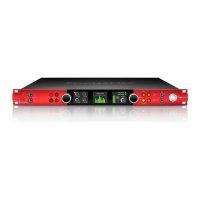
Logic Pro X Setup
• From the menu bar, go to: Logic Pro X > Preferences > Audio...
• Under the Devices tab, set: Input Devices and Output Devices to ‘Focusrite Thunderbolt’














 To Next Page