50
INSTALLING THE REDNET PCIe CARD
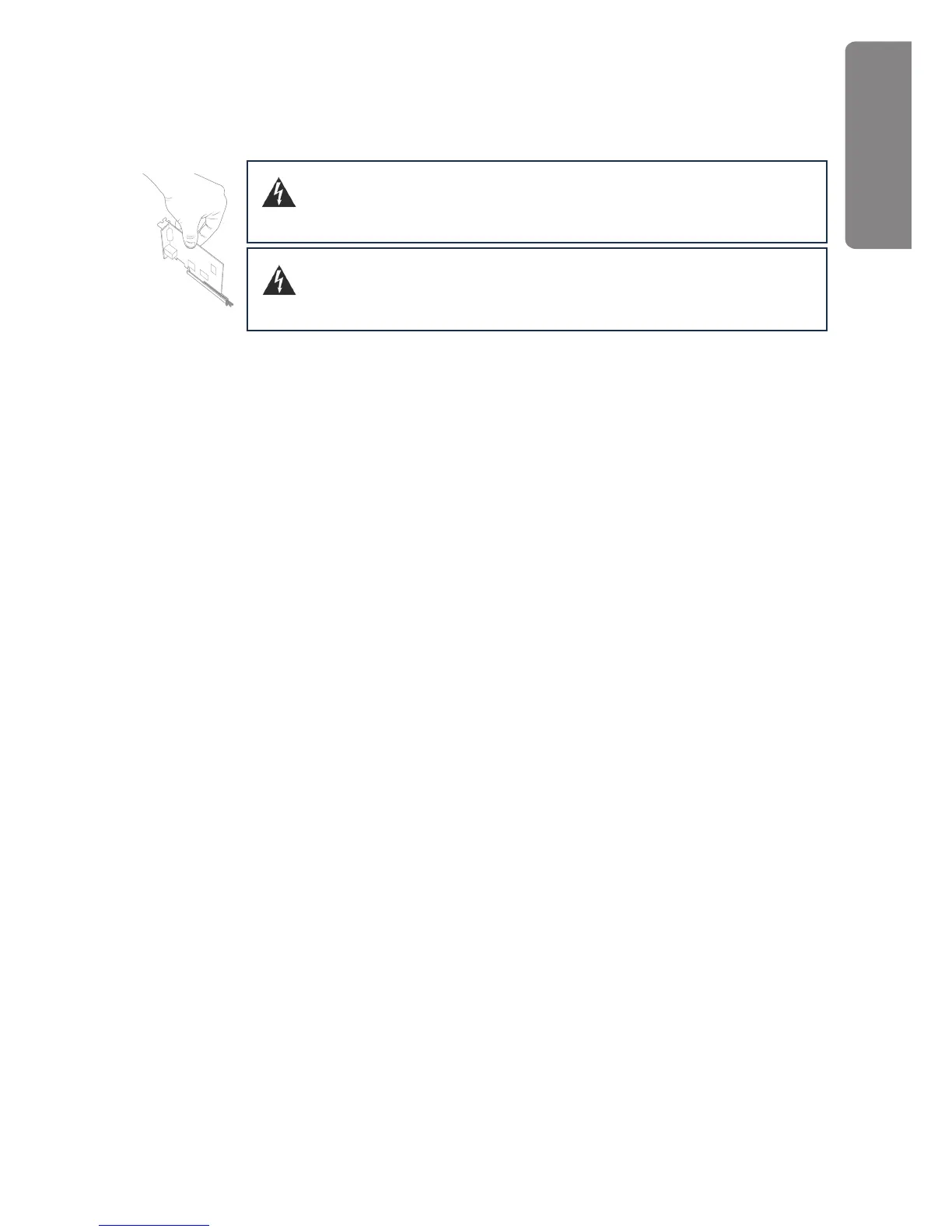
Place the computer on a clean, flat surface. Open the computer as necessary, to access the PCIe
card slots. Install the RedNet PCIe card carefully, ensuring that it is firmly and securely in place.
Close the computer and re-connect its power supply.
The computer should be disconnected from the AC mains supply before
attempting to install the PCIe card. Allow the computer to cool before
starting the installation.
Anti-static precautions should be taken when handling the card once it is
removed from its anti-static bag; only handle the card by gripping the
card by its edges and avoid touching any of the component parts.
REDNET PCIe












 To Next Page