All set points have a built-in 3˚ differential. The 3˚ differential means that with a 38˚F set point, for example, the
compressor will turn on at 38˚F and run through 37˚, 36˚, and 35˚F (-3˚) before turning off when it reaches 34˚F.
Because there is still refrigerant in the system, there can be an additional 1˚ - 1.5˚ of “drift” down in temperature
after the compressor shuts off. The temperature may momentarily display as low as 32˚F (32.9˚F and below
rounds down to 32˚F) before beginning to rise again.
1. Press SET. SP1 will display (Fig. 4.1).
2. Press SET. Current set point will display (Fig. 4.2).
3. Press up or down on ADJUST to change the set point to
desired temperature (Fig. 4.3).
4. Press SET (Fig. 4.4). The characters on the display will
disappear for a moment (Fig. 4.5) and then display the current
temperature (Fig. 4.6). The new set point is now accepted.
Note: See Fig. 5 for examples of temperature ranges
by set point.
Fig. 5 – Examples of temperature ranges by set point
Set point Cut-in Cut-out Normal
temperature display range
38˚ 38˚ 34˚ 32˚ - 38˚
39˚ 39˚ 35˚ 33˚ - 39˚
40˚ 40˚ 36˚ 34˚ - 40˚
41˚ 41˚ 37˚ 35˚ - 41˚
42˚ 42˚ 38˚ 36˚ - 42˚
43˚ 43˚ 39˚ 37˚ - 43˚
44˚ 44˚ 40˚ 38˚ - 44˚
45˚ 45˚ 41˚ 39˚ - 45˚
46˚ 46˚ 42˚ 40˚ - 46˚
Fig. 4
Changing the temperature set point
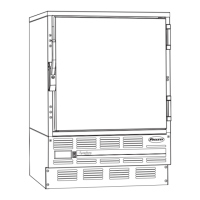
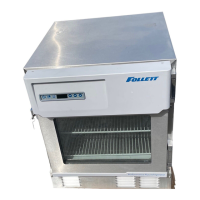
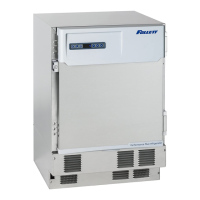
Follett sets the temperature controller to a 38˚F set point. This set point may not deliver the temperature range
desired for your specific application. For example, some medicine manufacturers suggest a storage temperature
range of 36˚ to 46˚F. Therefore, we have provided you with the ability to easily change the set point to meet your
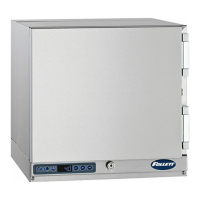
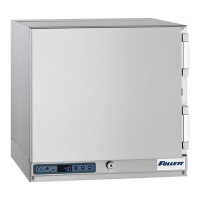
specific needs. The changes can be made on the temperature controller located on the bottom left corner of the
unit front.
6




 To Next Page