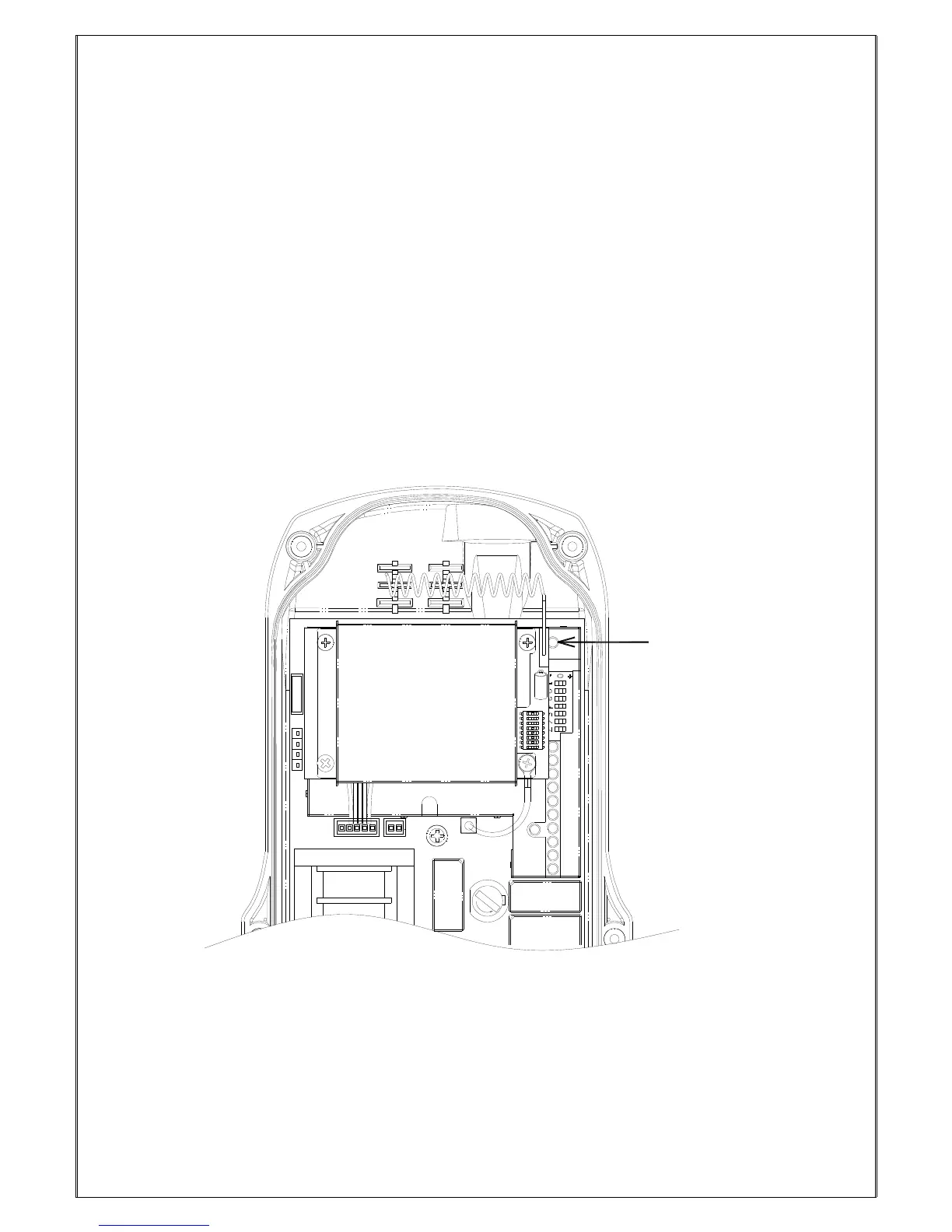
1. Connect the power source to the receiver and test the MAIN relay output by pressing the red
emergency stop button (EMS) and observe that it properly opens and closes the main line disconnect
contactor.
2. Test the operation of each function to ensure it corresponds to the transmitter direction labels and/or
the pendant it is replacing.
3. Test the limit switches on the hoist and/or crane and verify they are working properly.
4. If your new remote control is replacing an existing pendant, make sure it is completely disconnected
to prevent unwanted control commands, i.e. snick circuits.
5. If your new remote control is replacing an existing pendant make sure it is stored in a safe location
where it will not interfere with remote operation (get torn off).
9.4 Receiver system Status LED Display



 To Next Page