E
N
- 9-
CONFIGURATION AND CONTROL SOFTWARE
The matrix MPX-4088 is configured using PC software. In order to download the software, access our
website fonestarpro.com and find the product MPX-4088. Then, open the “Software” tab to download the
file in your computer and install the software. This software is compatible with Windows 7 or higher. The
software has two connection modes for the configuration of the matrix.
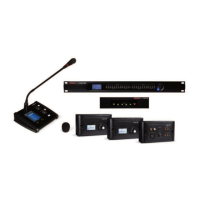
1.- Daisy chain network mode: allows configuration of the matrix MPX-4088, as well as the optional models
MPX-400MIC, MPX-410ES, MPX-420V and MPX-430VS. In this edition mode, the PC and the matrix
MPX-4088 must be connected directly by RJ-45 cable and the LAN/RC-Net selector located on the rear
panel of the matrix, must be in the LAN position.
It is necessary to establish the IP address of the matrix. To do so, click on the SETUP button and, then,
on SCAN to begin the automatic search for the IP and MAC address of the MPX-4088 matrix.


 To Next Page